Guide
Minesweeper in the bunker: flags, chords and safe clears
The classic logic minefield on a grid sized to your screen. How to set columns and density, what chord-open does, and the reasoning that keeps you safe.
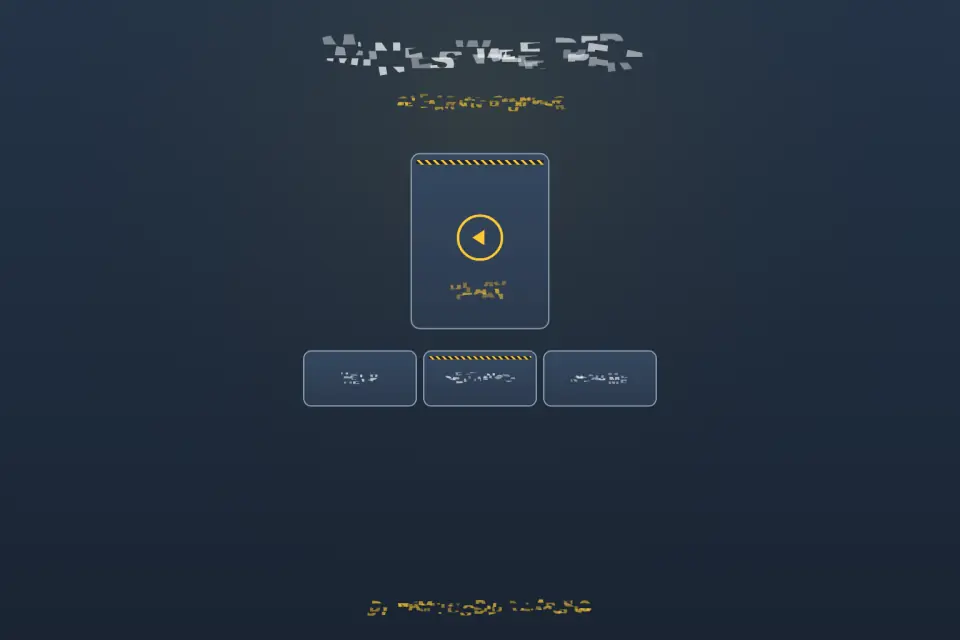
Our Minesweeper keeps the classic rules and dresses them in a hazard-lit underground bunker. The difference you will notice first: the board is not fixed to one size. Play it in your browser or on Android; it works offline once loaded and needs no account.
Set up your field
Before you step through the blast door, two gauges on the control desk set the field:
- Columns — from 8 up to 31, so a phone and a wide desktop window both get a board that fits.
- Mine density — from 9% to 71%. Start low while you learn; raise it as your reading gets faster.
The timer starts on your first real tap, not when the screen loads, so take your time setting up.
Three tools
- Reveal opens a tile. A number tells you how many of the eight surrounding tiles hide mines.
- Flag marks a tile you are sure is a mine, without opening it.
- Chord-open: when a revealed number already has that many flags around it, chord it to open all its other neighbours at once. It is the classic expert shortcut — and the reason to flag carefully, because a wrong flag makes a chord open a mine.
Reading the numbers
- A 1 with only one hidden neighbour: that neighbour is a mine. Flag it.
- A number whose mines are all flagged: every other neighbour is safe. Chord it.
- Compare neighbouring numbers along an edge: the difference between them often tells you exactly which tile is safe.
- Clear safe corners and edges before diving into a dense centre.
After a game
- A win scores from mine count, grid size and time, and your fastest time per grid configuration is kept, so runs are compared fairly.
- After a loss, review the full board to see how the pattern closed.
- Leave mid-game and resume later from the mine cart on the home screen.
Settings cover music, sound and haptics, and eight languages. Keyboard and pointer use the same reveal, flag and chord tools as touch. More on the Minesweeper page, or open the blast door.