Guide
Easy Torch: one-tap light on your phone and in the browser
How to use Easy Torch as a flashlight on Android, why the browser version is a screen light, and what the auto-start and battery behaviour do.
Easy Torch is a light switch and nothing else: no account, no menus to learn, no levels. Here is how it works and when to use which version.
On Android: the rear LED
- Open the app.
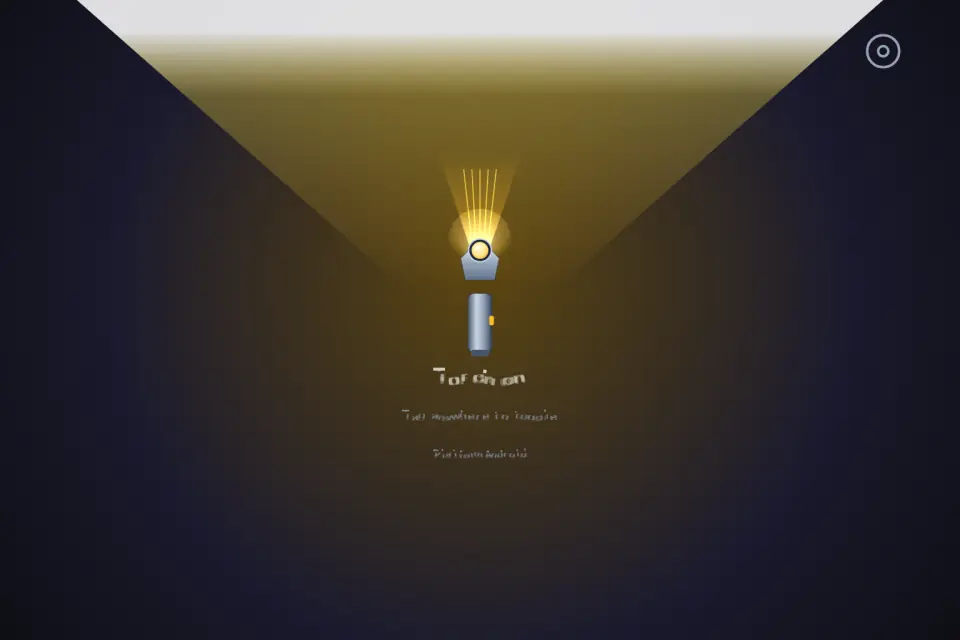
- Tap anywhere on the screen. The whole screen is the switch, so you do not have to find a small button in the dark.
- Tap again to turn the light off.
The screen always shows clearly whether the torch is on or off.
Auto-start, if you want it
In settings you can turn on auto-start: the LED lights up as soon as the app is ready. Leave it off if you prefer the app to open dark and wait for your tap. Your choice is saved on the device.
Battery and safety
An LED left on drains the battery and warms the phone. Easy Torch turns the light off when the app is paused or moved to the background — switching apps, locking the screen or taking a call will not leave it burning in your pocket. Open the app and tap once to bring it back.
When there is no light
The torch needs a rear LED. If your device has none, or another app is already using the camera, Easy Torch tells you so in plain words instead of pretending to work.
In a browser: a screen light
There is also a browser version. A web page cannot reach the camera flash, so in the browser Easy Torch works as a screen light: one tap fills the display with bright white, another tap returns it to dark. Turn your screen brightness up for the best result. It will not light a room, but it is enough to find a keyhole or read a label.
Everyday uses
Finding keys at the door, reading a meter in a cupboard, checking a fuse box during a power cut, looking under a car seat, walking the dog after dark, or reading a menu in a dim restaurant.
Settings hold only two things: auto-start and the language (eight to choose from). See it on the Easy Torch page; the store button below shows where the app is live.