Easy Torch
One tap for your LED light
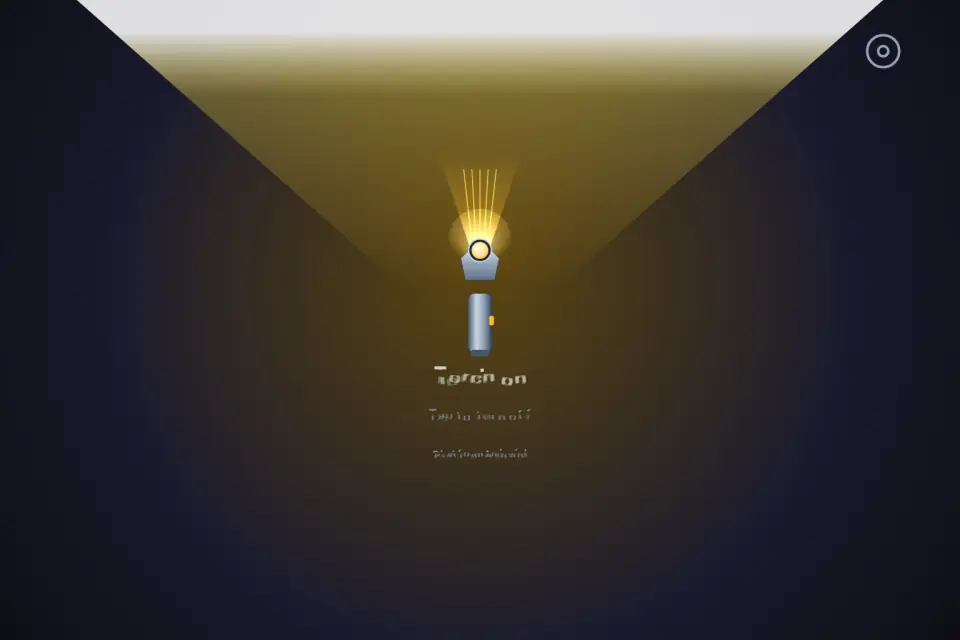
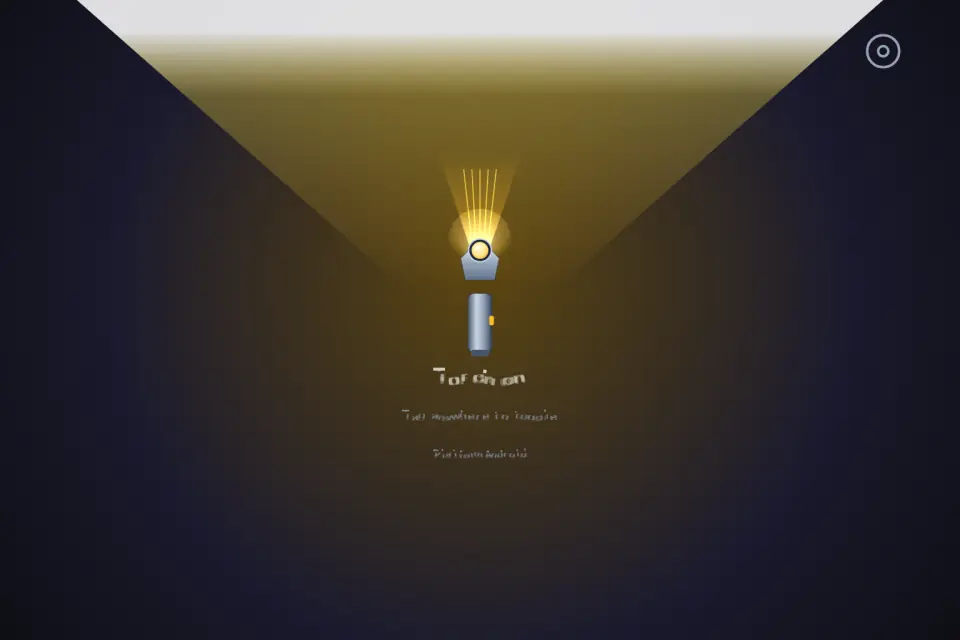
In a browser, Easy Torch works as a screen light: one tap fills the page with bright white, another tap returns it to dark. Rear LED control needs the Android or iOS app, because a browser cannot reach the camera flash. Eight languages, no account, nothing to configure.
94 plays · 161 views · last 12 months
Easy Torch is a small, focused flashlight utility for the moments when you need light and nothing else. Open the app, tap once, and the light is on. Tap again and it is off. The whole screen is the switch, so you never have to aim for a tiny button in the dark or learn an interface.
WHAT HAPPENS WHEN YOU TAP
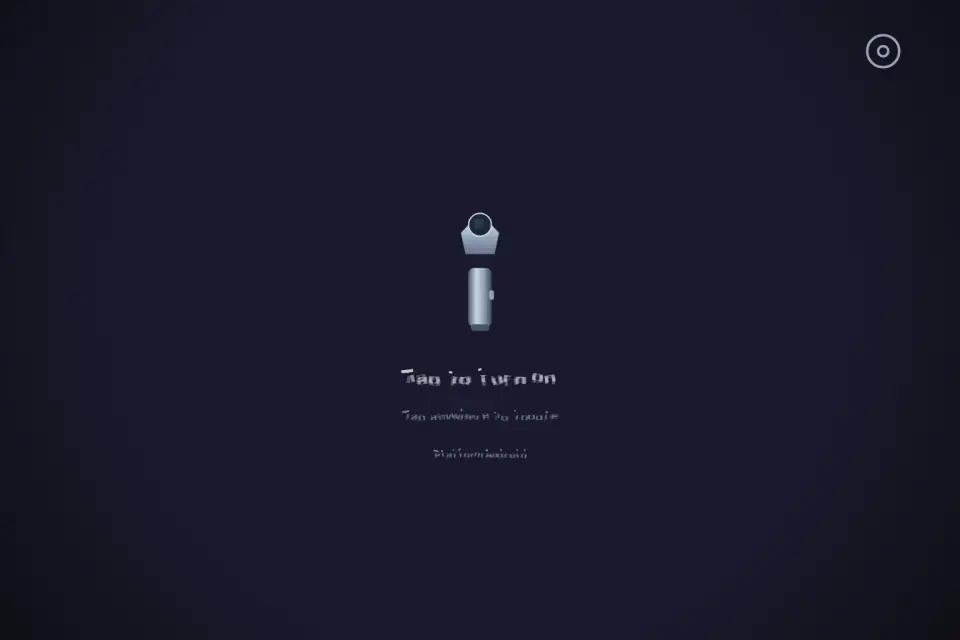
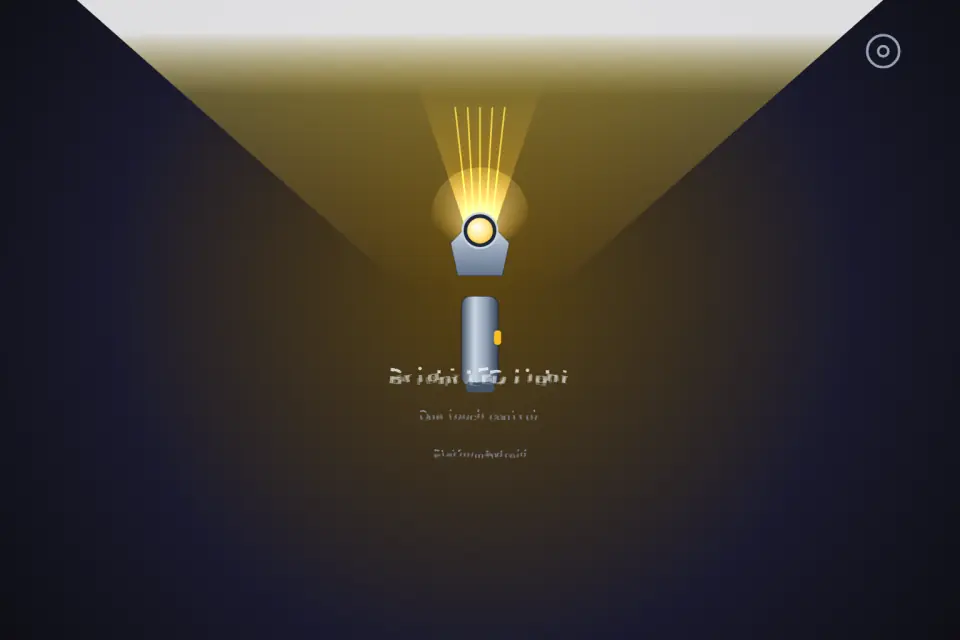
Easy Torch speaks to the rear LED through a native bridge, the same hardware your camera uses when it fires a flash. One tap switches the LED on, the next tap releases it. There is no menu to walk through and no animation standing between you and the light. The current state is drawn clearly on screen, so a glance tells you whether the torch is on or off.
AUTO-START, IF YOU WANT IT
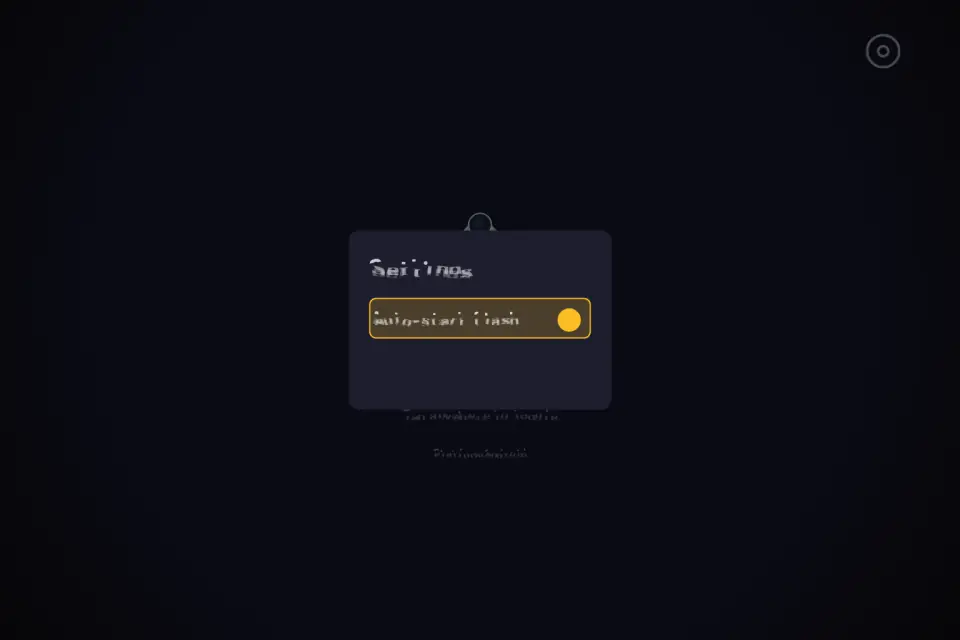
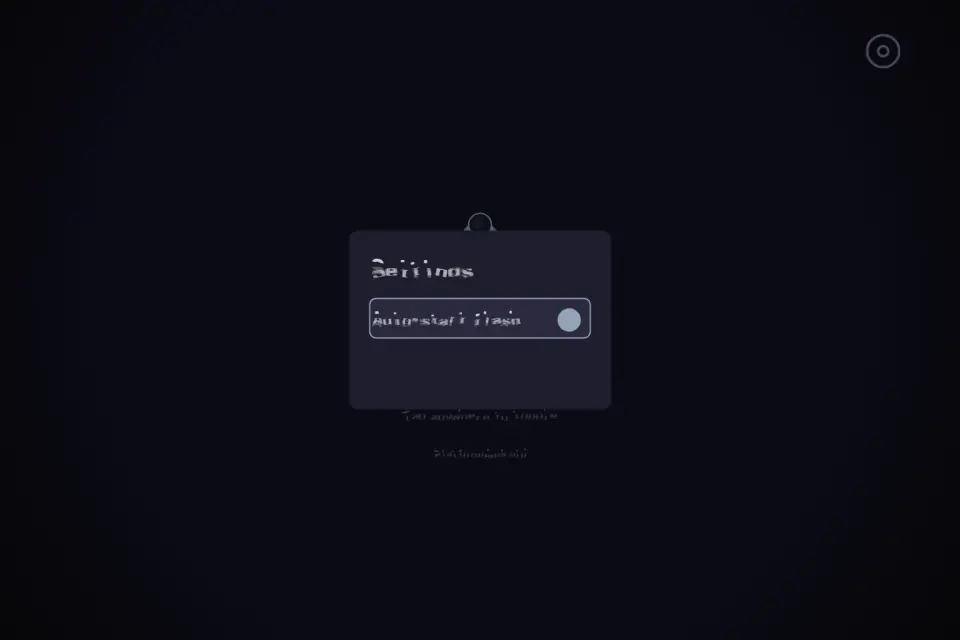
Some people want light the moment the app opens; others prefer to decide each time. Easy Torch lets you choose. Turn auto-start on and the LED lights up as soon as the app is ready. Your choice is saved on the device, so the app behaves the same way the next time you open it. Leave auto-start off and the app opens dark and waits for your tap.
A SETTINGS PANEL WITH ONLY WHAT MATTERS
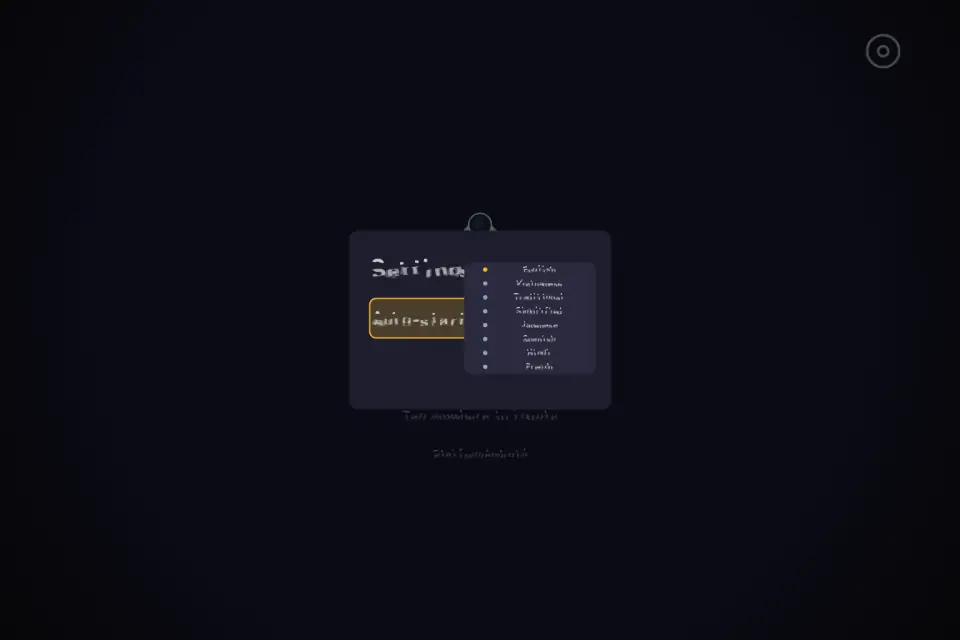
The settings panel keeps the list short: auto-start and language. Nothing is buried under submenus, and there are no filler switches that change nothing.
EIGHT LANGUAGES
The interface reads in English, Vietnamese, Traditional Chinese, Simplified Chinese, Japanese, Spanish, Hindi and French. Pick the language you are comfortable with and the whole app follows, including the messages shown when a device cannot light up.
BATTERY AND SAFETY BEHAVIOUR
An LED left burning drains a battery and warms the phone. Easy Torch turns the torch off when the app is paused or moved to the background, so switching apps, locking the screen or answering a call does not leave the light on inside your pocket. When you come back, one tap brings it on again.
WHEN THE HARDWARE CANNOT HELP
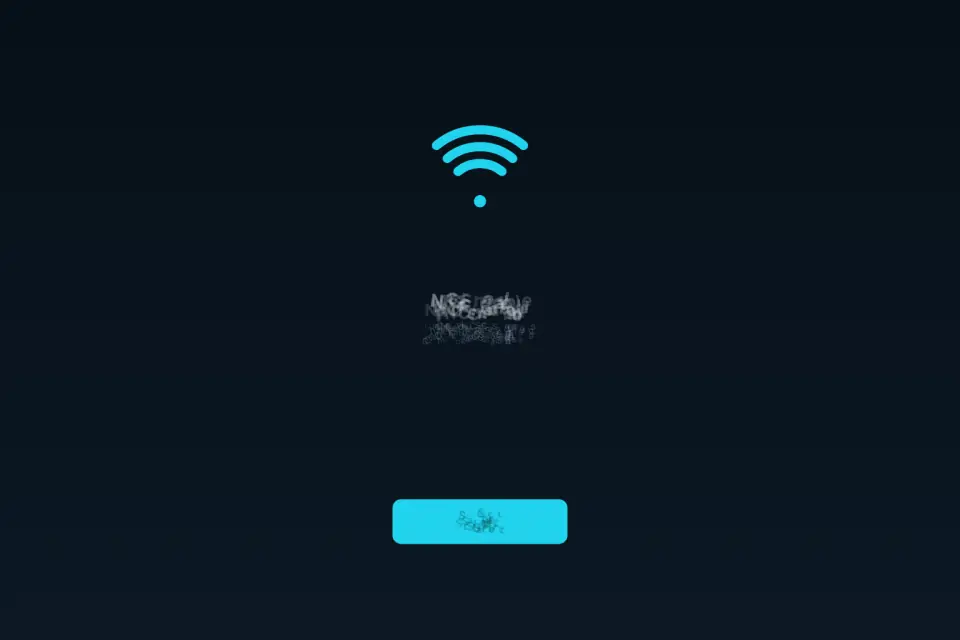
A rear LED is required to light up, and iOS reports an error when another app is already holding the camera. When that happens, Easy Torch says so in clear words instead of pretending to work. There is also a browser version of Easy Torch on tyttoot.com; a browser cannot reach the LED, so it runs in screen-light mode and fills the display with bright light that still helps you find a keyhole or read a label.
BUILT FOR EVERY SCREEN
The canvas fills the whole viewport on iPhone and iPad, in portrait or landscape, and respects the safe area around notches and rounded corners. There are no black bars and no screen asking you to rotate your device.
WHAT IS NOT HERE
No account, no sign-in, no profile, no levels, no modes and no scores. Easy Torch is a light switch, and that is the whole idea.
EVERYDAY USES
Finding keys at the door, reading a meter inside a cupboard, checking a fuse box during an outage, looking under a car seat, seeing the plumbing behind a sink, walking a dog after dark, finding your place in a tent, checking on a sleeping pet, threading a cable behind a desk, or reading a menu in a dim room. Easy Torch stays out of the way and gives you the one thing you opened it for.
Features
- Single tap anywhere to toggle flash on or off
- Auto-start flash when app opens (optional)
- Native LED on Android and iOS
- Web screen-light mode when LED unavailable
- Eight languages, minimal Canvas UI
Tips
- Turn on auto-start if you mostly open the app for instant light; leave it off if you prefer to tap first.
- The light switches off when you leave the app or lock the screen — one tap brings it back.
What's new
1.0.5 — Store release build. The App Store icon and the iPhone and iPad screenshots were rebuilt from the live Canvas app, so the gallery matches what opens on your device. The icons stay symbol-only, with no digits or badges. One tap anywhere on the screen toggles the rear LED, and the current state is drawn clearly, so a glance tells you whether the light is on. Optional auto-start is remembered between sessions, and the layout respects the safe area around notches and rounded corners in both orientations. The torch is released whenever the app is paused or moved to the background, which helps protect battery life, and the app explains in plain words when a device has no rear LED or when another app is holding the camera. Interface text was reviewed in all eight languages: English, Vietnamese, Traditional Chinese, Simplified Chinese, Japanese, Spanish, Hindi and French.
Questions and answers
Why doesn’t the website version use my flash?
A browser cannot reach the camera LED, so the web version lights up the whole screen instead.
Why won’t the light turn on?
It needs a rear LED. On iOS, another app holding the camera can block it; Easy Torch tells you plainly when that happens.