
Personal Calculator
Teal glass everyday math pad
Teal glass Canvas calculator with Basic and Advanced modes, soft optional music and key tones, eight languages, and a full-viewport layout that rebuilds in portrait and landscape. Live expression line, percent and sign toggle, and on-device preferences — no account required.
62 plays · 154 views · last 12 months
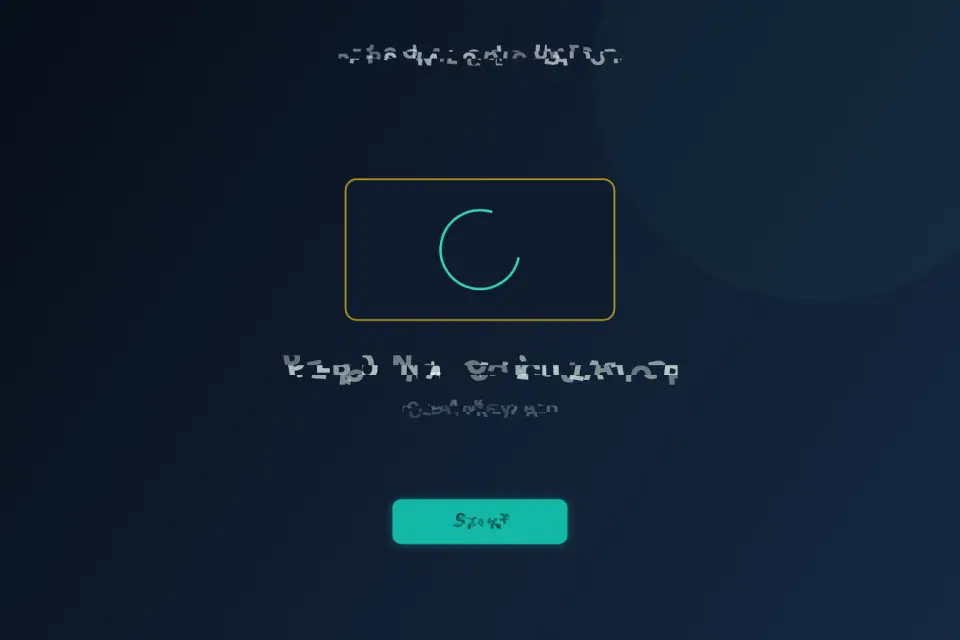
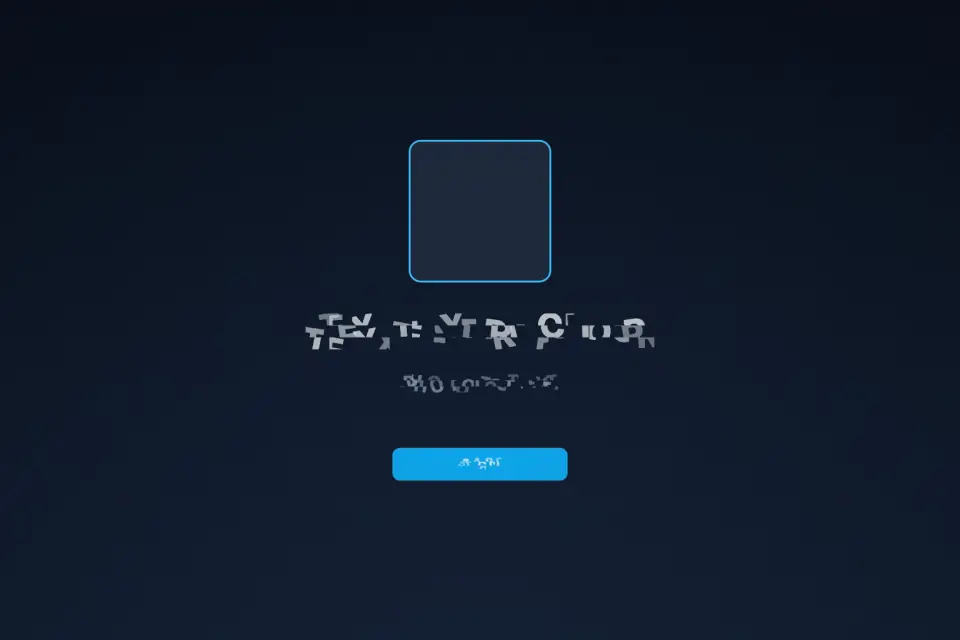
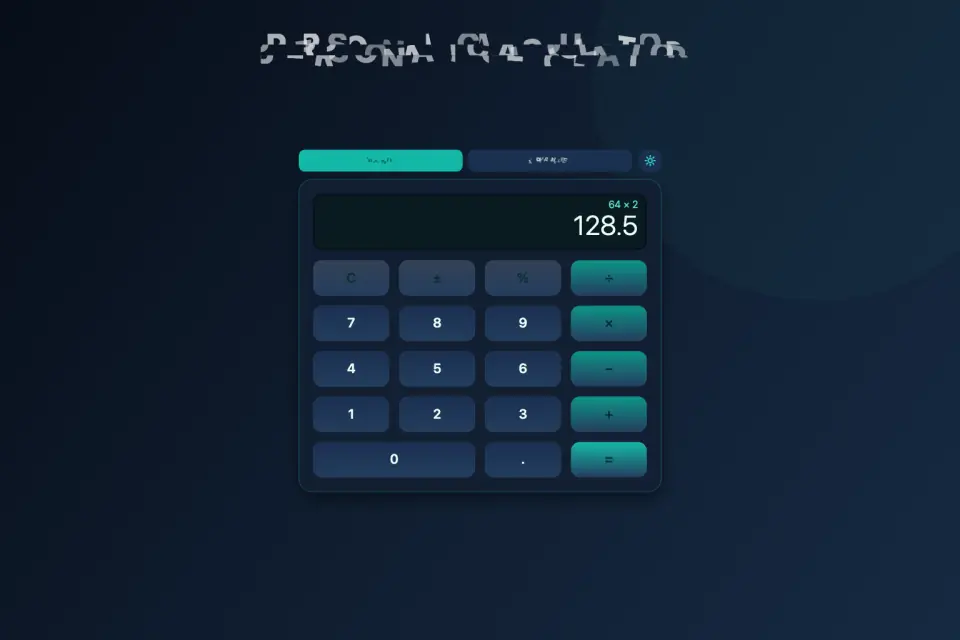
Personal Calculator is a clean everyday math utility with a teal glass Canvas keypad. Open the app, tap Start on the splash screen, and you land on a full-viewport calculator that fills the safe area on phones, tablets, and desktop windows — portrait or landscape, without letterbox bars.
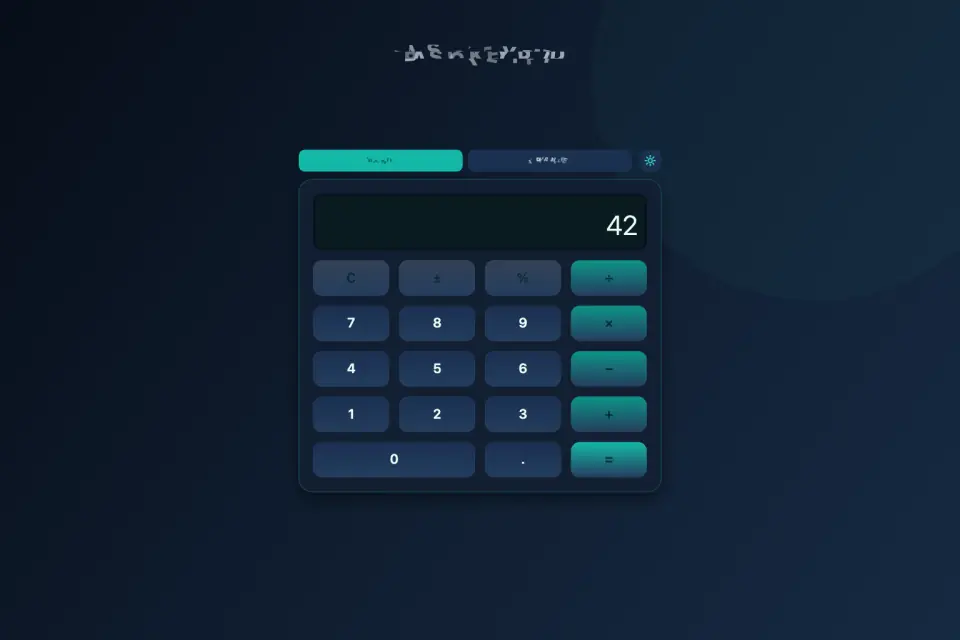
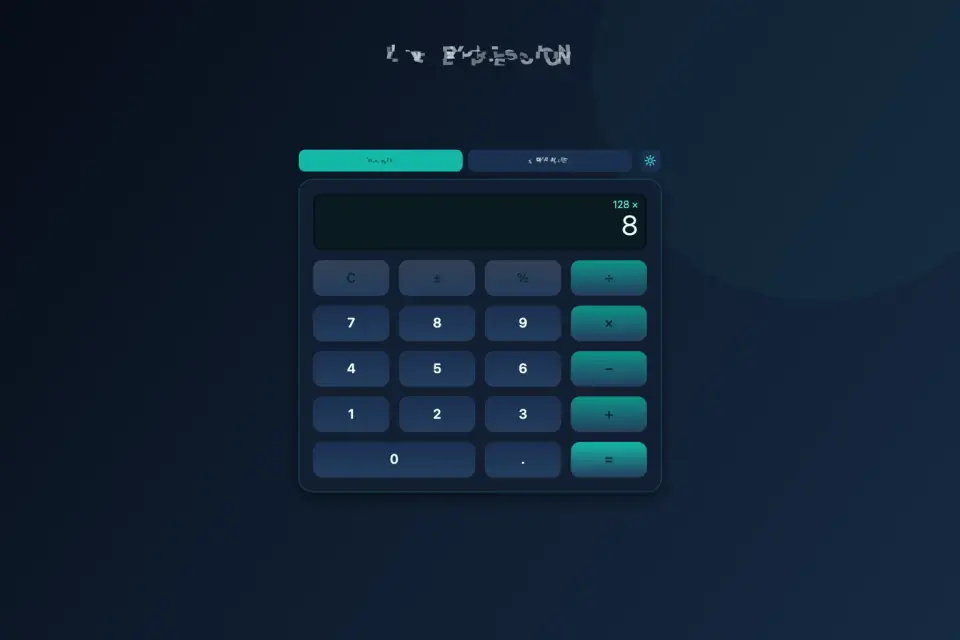
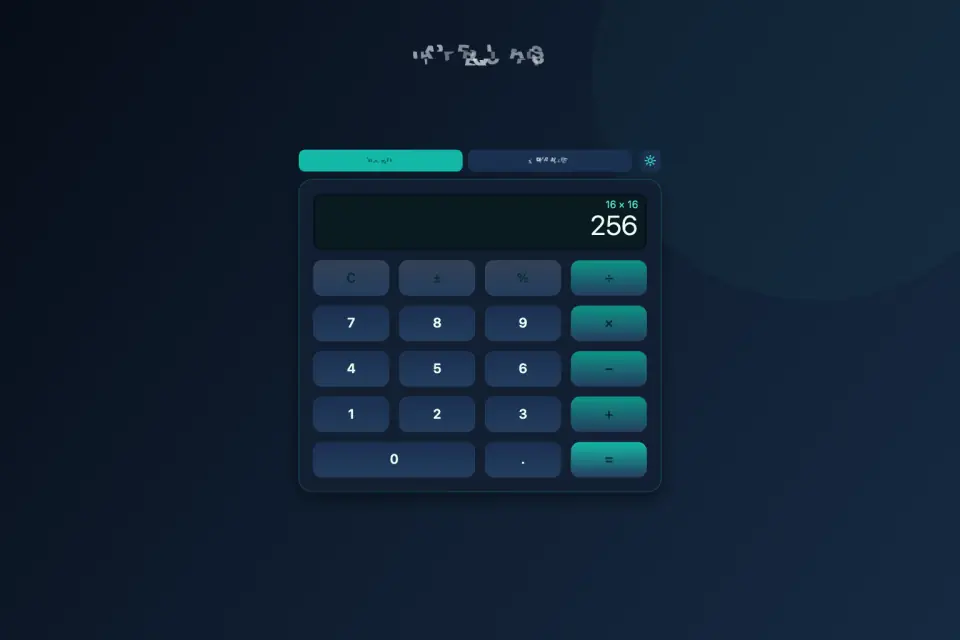
Basic mode covers the essentials: clear, sign toggle (±), percent, divide, multiply, subtract, add, decimal point, and equals. The live expression line shows what you are building while the main display shows the current value, so chained arithmetic stays readable. Tap equals to resolve the expression and keep going from the result.
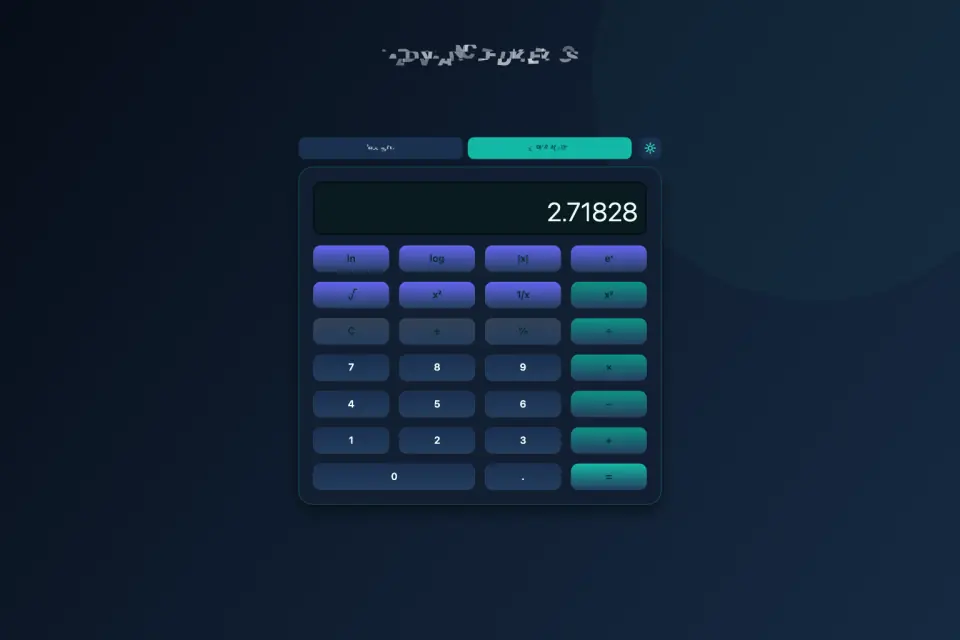
Switch to Advanced when you need scientific helpers without leaving the same glass panel. Advanced adds natural log, common log, absolute value, eˣ, square root, square, reciprocal, and power (xʸ) above the familiar arithmetic rows. Mode preference is remembered on the device so you return to Basic or Advanced the way you left it.
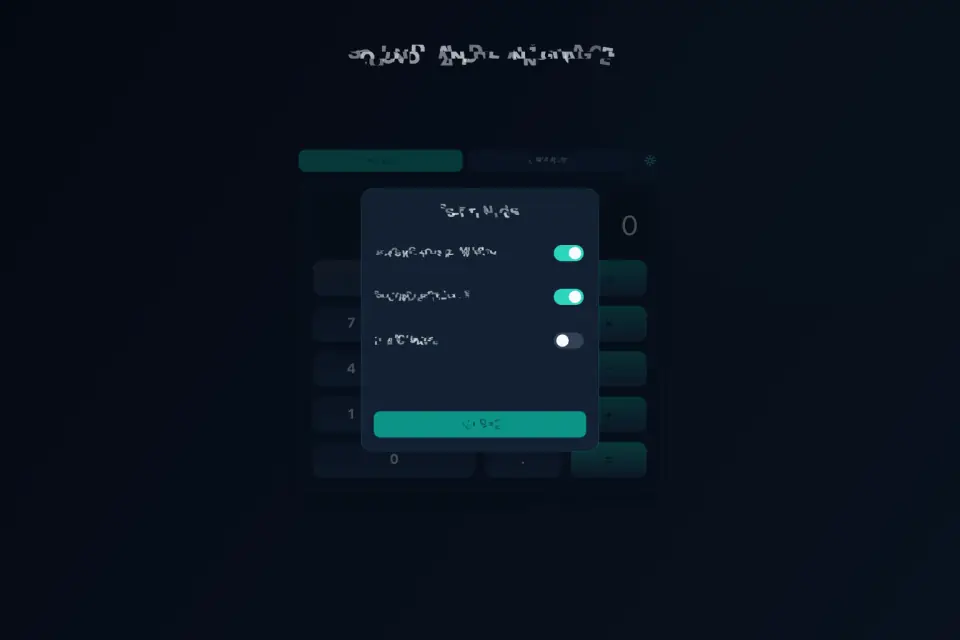
The gear opens Settings for soft background music, soft key sound effects, and language. Eight languages ship with the app: English, Vietnamese, Traditional Chinese, Simplified Chinese, Japanese, Spanish, Hindi, and French. Labels on Basic / Advanced, Settings, Start, and Close follow the active locale. Sound toggles persist locally so a quiet session stays quiet next launch.
Controls are pointer and touch friendly. Large key hit areas, a clear equals bar, and a teal accent on operators keep the pad readable at small sizes. The display uses high-contrast mint text on a deep night field. Layout recalculates on resize so the toolbar, display, and keypad stay centered and usable when you rotate or resize the window.
Offline use: after the first load, arithmetic and settings work without a network connection. Preferences for mode, music, sound effects, and language stay on the device. No account is required to calculate.
Tips: use percent for quick discounts and tip math; toggle sign when switching between credits and balances; clear before starting a new chain if the expression line still shows a prior operator; use Advanced for logs and powers when Basic rows are not enough; mute music in Settings when you want a silent pad.
Accessibility and comfort: high-contrast display text, generous key targets, soft optional tones instead of harsh beeps, and a responsive Canvas that respects system safe-area insets on notched phones. The splash Start button is large and centered for one-thumb reach.
Marketing gallery and store screenshots match this teal glass UI — splash with Start, Basic keypad, live expression, Advanced rows, equals results, Settings with music and language, mode switch, and wide layout — so listing art matches what you see in the shipped app on tyttoot.com and stores.
Personal Calculator focuses on everyday arithmetic and optional advanced helpers in one calm night palette. It is built as an original Tyttoot Canvas utility: symbol-first branding, English marketing chrome where required, and runtime UI localized in eight languages.
Use it for shopping totals, homework checks, unit conversions you already know how to set up, and quick scientific checks when Advanced is on. Short sessions and longer desk use both fit — the pad stays readable whether the window is tall on a phone or wide on a tablet.
The product name on the store is Personal Calculator. Icons are symbol-only keypad art without ranking badges. Feature graphics and phone screenshots follow the same teal glass look as the live Canvas so there is no style gap between marketing and the app you open.
On larger screens the glass panel stays centered with room around the keypad. Every key works with a single tap. Contrast keeps mint display text readable against the night teal backdrop. Settings remain one gear tap away without leaving the calculator scene.
Features
- Basic arithmetic with live expression line
- Advanced helpers: ln, log, √, x², 1/x, xʸ, and more
- Settings: soft music, soft SFX, eight languages
- Full-viewport Canvas — portrait and landscape
- Mode and sound preferences stay on device
Tips
- Watch the live expression line above the main display: it shows the chain you are building, so a wrong operator is easy to catch before you press equals.
- After equals, carry on from the result with the next operator — handy for a running shopping total.
- The app remembers Basic or Advanced between launches, so switch back to Basic when you only need everyday sums.
What's new
1.0.13 — Marketing and store gallery refresh for Personal Calculator. What you will notice on the store and site: • Brand-new app icon composed as a teal night keypad silhouette — symbol-only display bar and keys, no digits or ranking badges on the icon. • Eight unique screenshots rebuilt from the shipped Canvas scenes so gallery shots match the live UI on phones and tablets. • Scenes cover splash with Start, Basic arithmetic keypad, live expression line, Advanced scientific rows, equals results, Settings for soft music and language, Basic versus Advanced mode switch, and wide landscape-friendly layout. • Hero and spotlight art refreshed for tyttoot.com. Product reminder: Personal Calculator is a teal glass everyday math pad with Basic and Advanced modes, soft optional tones, eight languages, and full-viewport Canvas layout in portrait and landscape. Preferences stay on the device after the first load.
Questions and answers
What does Advanced mode add?
Natural log, common log, absolute value, eˣ, square root, square, reciprocal and power (xʸ), placed above the usual arithmetic rows on the same keypad.
Does it work without internet?
Yes. After the first load, calculations and settings work offline. Your mode, sound and language choices stay on the device, and no account is needed.