
Text Extractor
Camera, then extract
Capture with Camera, crop and brighten, extract text, then organize notes in Library groups — offline-friendly Canvas utility with eight languages.
166 plays · 16 views · last 12 months
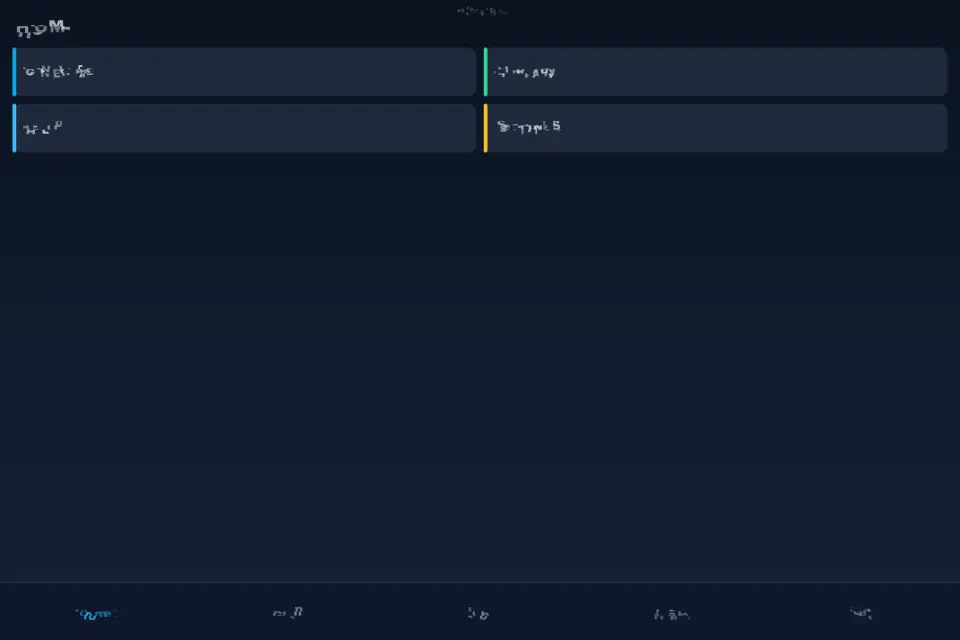
Text Extractor turns a Camera shot into editable text you can keep on your device. Open the app, tap Start, and use the Home hub or bottom tabs to reach Generate, Library, Help, Contact, and Settings. The full-viewport Canvas layout fills phones, tablets, and desktop windows in portrait or landscape without letterbox bars.
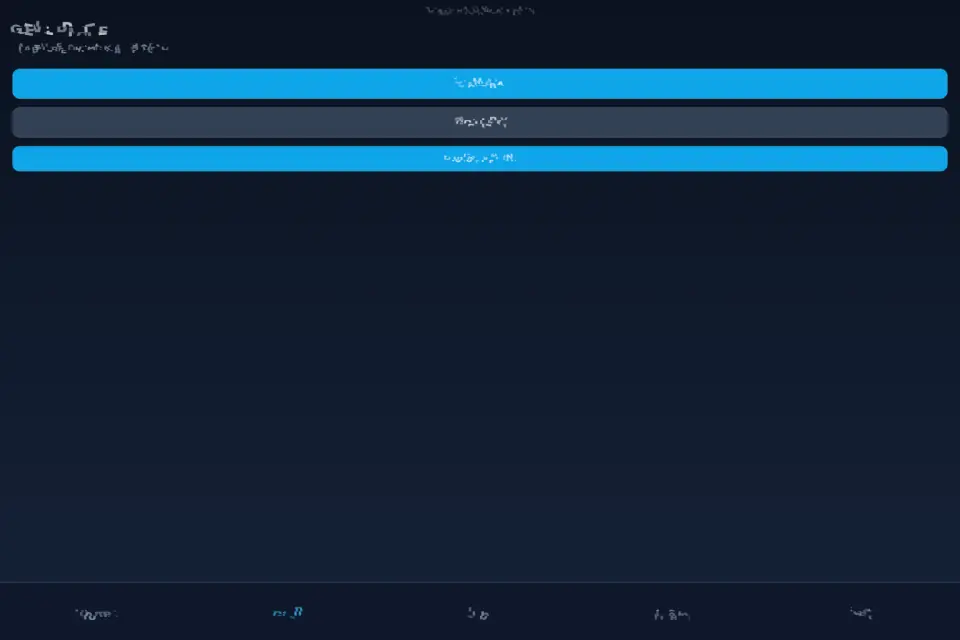
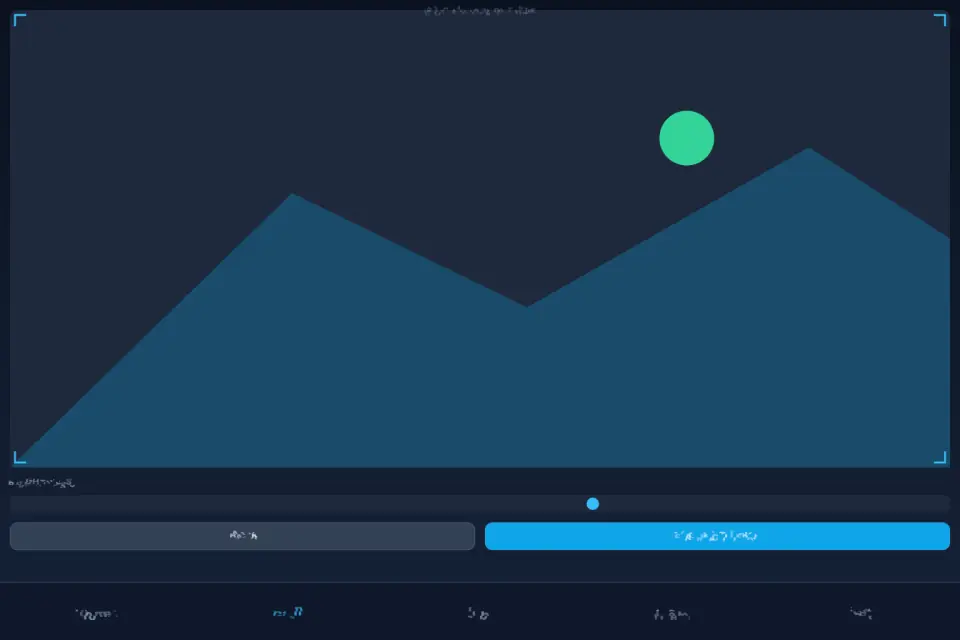
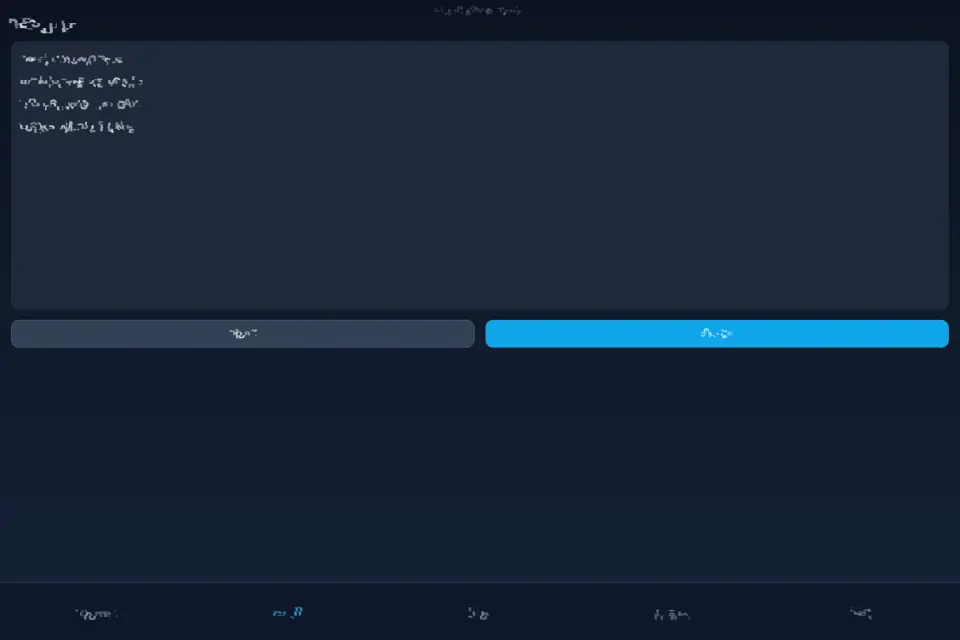
Generate is the capture path. Tap Camera to take a live photo, then extract text from that shot. On the edit screen, drag crop corners and edges so only the text region remains. Drag Brightness — the preview updates live — then tap Extract text. Review the OCR result, fix mistakes in the editor, add a name and tags, pick a group, and Save to Library. Quick tip mode chains capture → crop → extract → group → save and opens the camera again for the next note when you want a continuous flow.
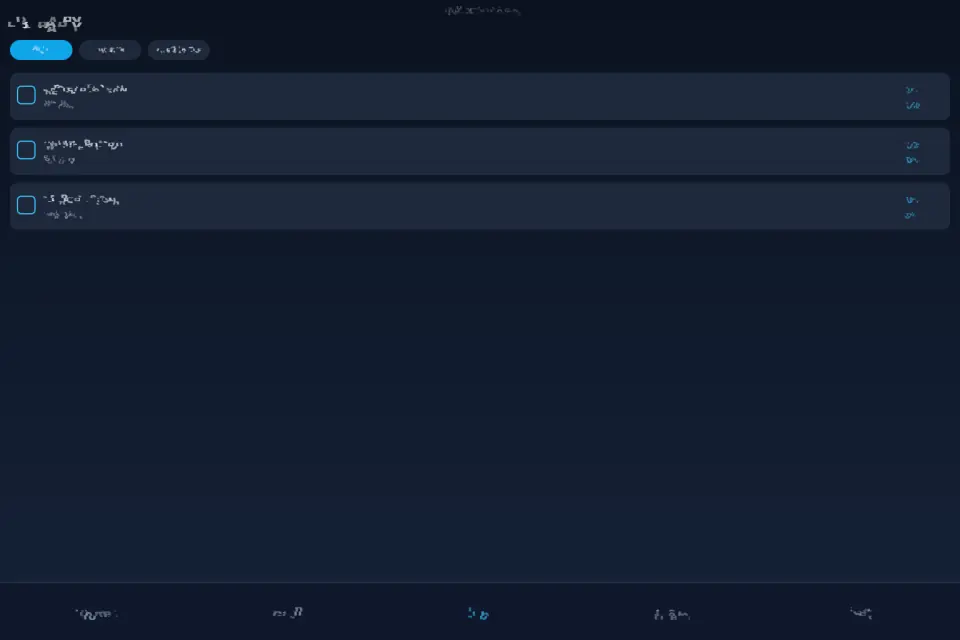
Library stores every OCR note locally. Filter with group chips, search by name or body text, multi-select with checkboxes, then Import, Export, or Delete. When a single group filter is active, use the up and down controls to reorder notes inside that group. Tap a row for detail view with Edit, Copy, Export, and Delete. Manage groups from the Library gear: drag handles to reorder groups, set a default group with the star, rename or delete custom groups, and create new ones. Notes from deleted groups move to Uncategorized.
Help opens illustrated how-to topics. Tap any topic for a longer guide covering Home, Generate, Quick tip, Library, groups, and Settings. Contact sends feedback through the in-app form. Settings toggles soft sound effects and cheerful background music (after Start), switches among eight interface languages, and offers Backup / Restore JSON (replace all or merge).
Ads, when present in store builds, follow a timed gate and may appear after Extract text — they never block core capture and save. No account is required. Your library stays on the device unless you export or back it up yourself.
The Camera-to-extract loop is the whole capture story: you shoot, you crop, you extract. Point the lens at a whiteboard, a printed page, a receipt, a sign, or handwritten notes, then tap Extract text. Crop tightly around ink for cleaner OCR; raise brightness on dark shots; name notes so Search finds them later; set a default group before a long Quick tip session. Text Extractor is a slate-themed utility focused on honest capture, review, and organization — not a cloud transcription service. Privacy-minded design keeps captures and OCR results under your control on the same handset or browser profile you used to create them. Accessibility-minded layout keeps primary actions large enough for thumb reach while remaining readable on small phones and large tablets alike. Offline-first library browsing continues when the network is weak; only optional contact send and remote ads config need connectivity. The Home hub cards and bottom tabs stay consistent so you always know where Generate, Library, Help, Contact, and Settings live. Crop handles, brightness preview, and Extract text form a short loop you can repeat dozens of times during a study or receipt session. Group chips and Search combine so a busy Library stays scannable even after hundreds of saved OCR notes. Repeat Camera capture then Extract text whenever you need another note.
Features
- Camera capture with live crop and brightness
- On-device OCR (ML Kit on Android, Tesseract on web)
- Library notes with groups, search, and multi-select
- Quick tip chain for continuous capture sessions
- Eight languages, soft sound, local backup and restore
Tips
- Crop tightly around the text and raise brightness on dark shots for cleaner results.
- Set a default group before a Quick tip session, so each saved note lands in the right place.
- Use Backup in Settings before you switch phones — restore can replace or merge your library.
What's new
1.0.27 — Full store asset refresh from live Canvas: Home hub, Generate (Camera → crop → brightness → Extract text), Library groups, Help, Settings. Listing stays product-true: OCR on-device notes, Quick tip capture chain, eight languages — not a generic puzzle blurb.
Questions and answers
Is my text uploaded?
No. Recognition runs on the device, and your library stays there unless you export or back it up yourself.
Can I search my notes?
Yes. Library search covers names and body text, and group chips filter the list.