
NFC Enable
Check NFC. Scan tags.
NFC Enable is a focused Canvas utility for checking Near Field Communication on your phone and reading simple tags. Open from Splash with Start, confirm whether NFC hardware is present, see whether NFC is on, and jump into system settings when you need to flip the switch. When NFC is ready, tap Scan tag and hold a tag near the device to read UID, technologies, NDEF size, and record payloads without leaving the Canvas screen.
463 plays · 97 views · last 12 months
CHECK HARDWARE AND POWER STATE
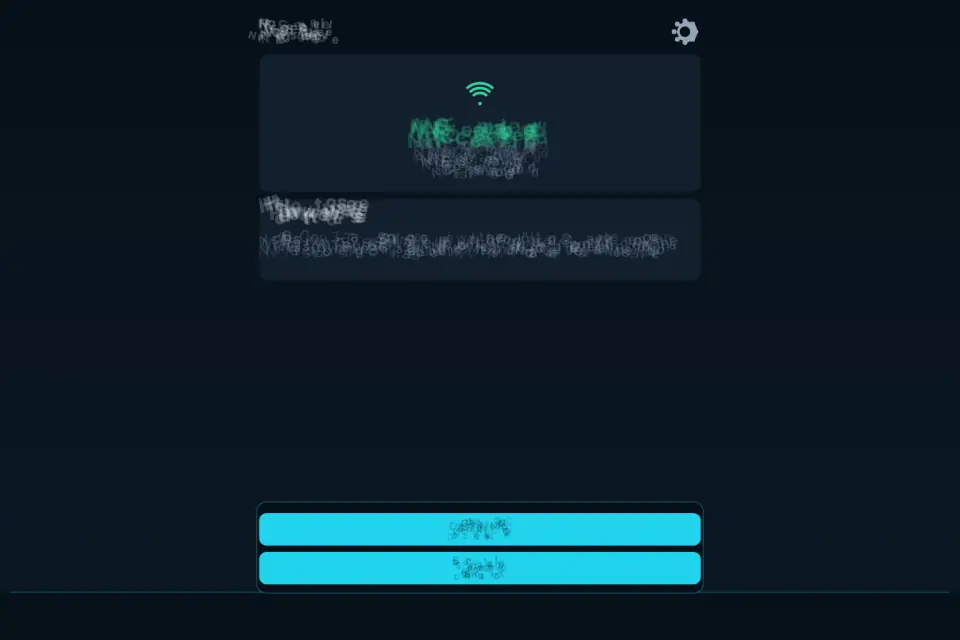
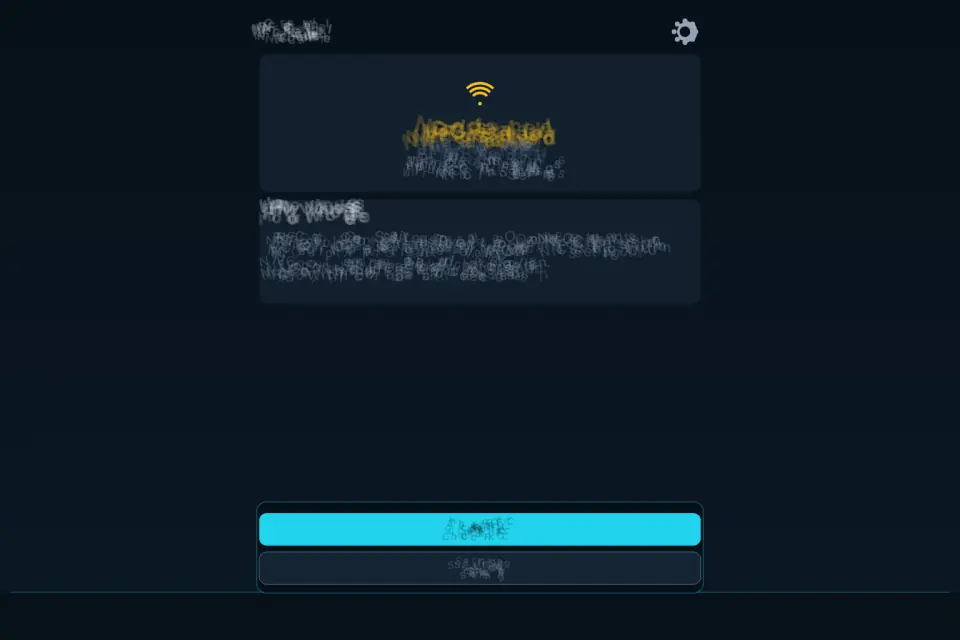
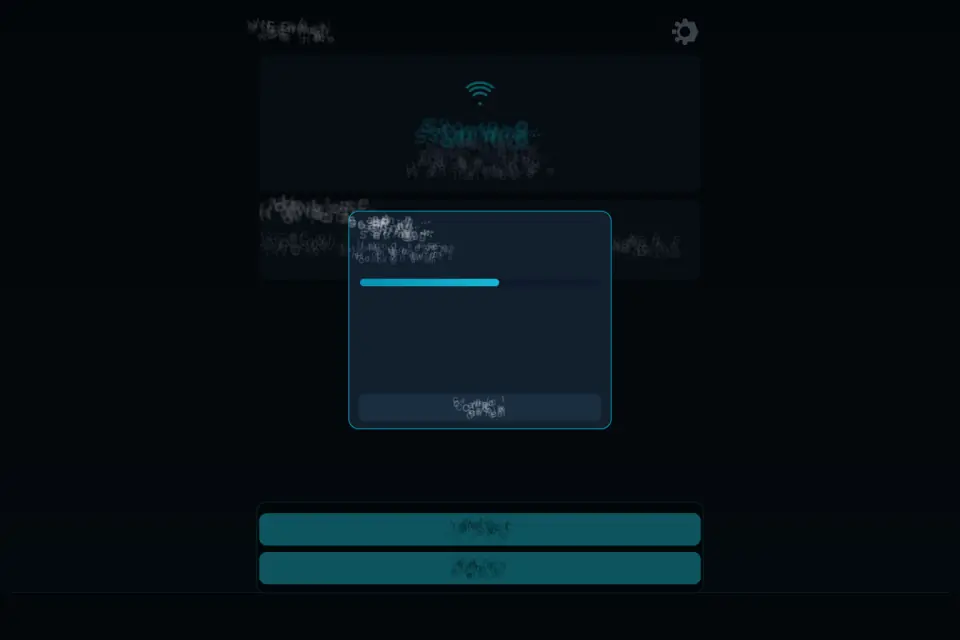
Phones differ. Some ship with NFC radios; others do not. NFC Enable asks the native bridge for a clear answer: supported or not, enabled or disabled. The status panel uses color cues so you can tell at a glance whether you are ready to scan, need to open Settings, or are on a device without NFC. Check status refreshes after you change system toggles. A Checking… state covers the short wait while the bridge gathers NFC and device info.
OPEN SYSTEM NFC SETTINGS
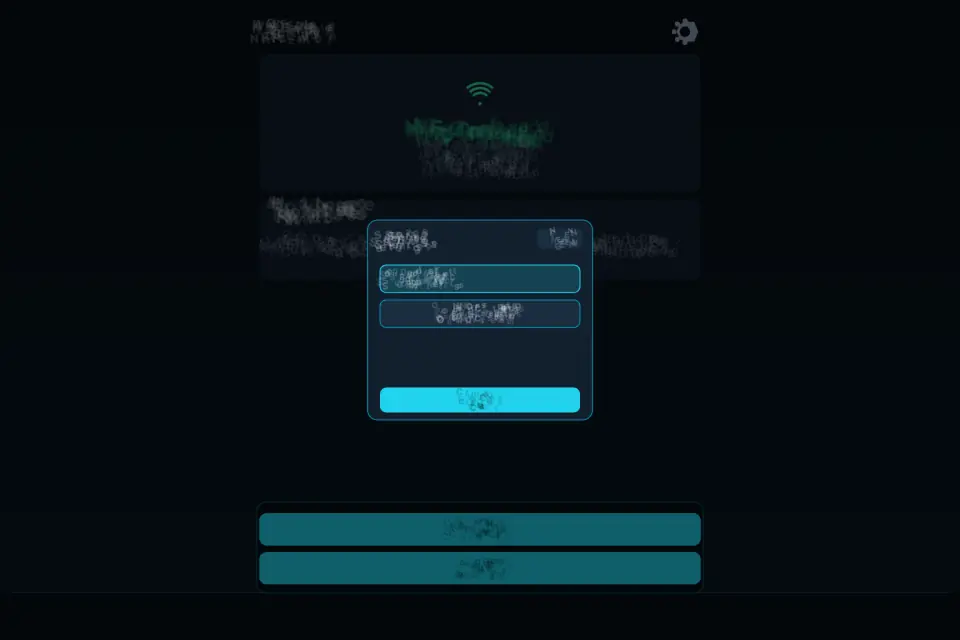
When NFC is off, the in-app Settings gear exposes Open NFC settings so you can jump straight to the platform screen that controls the radio. Turn NFC on there, return to NFC Enable, and run Check status again. Tips under How to use explain the enable path in plain language: NFC is off → open Settings → turn NFC on → come back and check again.
SCAN TAGS AND READ NDEF
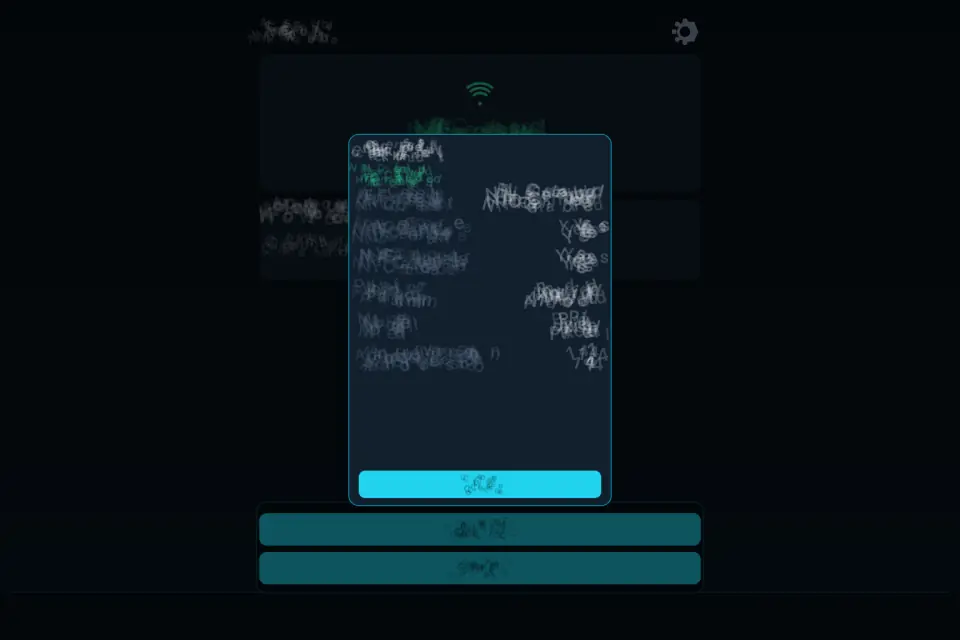
On supported devices with NFC enabled, Scan tag starts a scanning session. A popup asks you to hold the tag near the device. Successful reads show Tag read OK with structured rows: UID, Technologies, NDEF type and size, writable / can-lock flags when available, record count, and payload text for text, URI, or MIME records. Failed or cancelled scans surface Scan failed / Scan cancelled with a clear message. Stop scan / Cancel ends an in-progress session.
DEVICE DETAILS WITHOUT EXTRA PERMISSIONS
Feature check also surfaces public device context: manufacturer, brand, model, product, hardware, board, Android version, security patch, screen pixels, density DPI, viewport, pixel ratio, OS platform, language, timezone, online state, CPU cores, device memory, touch points, browser vendor, and user agent when relevant. The goal is honest diagnostics for support chats — not a permission grab. Host card emulation and Web NFC API availability appear as Yes / No / Unknown so you know which path the session is using.
WEB VERSUS NATIVE
On the web, NFC works only in supported Chrome on Android via the Web NFC API in a secure context. Other browsers show Web NFC not available in this browser and a tip to open the Android or iOS app for full check and scan. Native builds use the NFC bridge for adapter status, settings deep-links, and richer tag metadata.
SPLASH, SETTINGS, LANGUAGE, SOUND
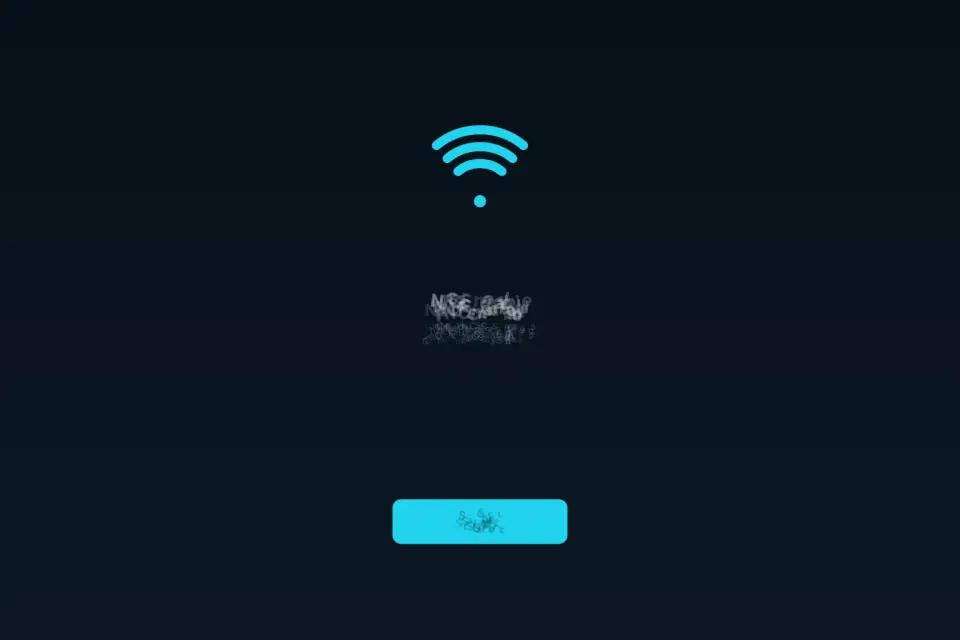
Splash shows the NFC Enable wordmark with tagline Check NFC. Scan tags. and a Start button. The main board keeps Status, Message, Check status, Scan tag, How to use, and Last tag. Settings covers Language across eight dictionaries and Sound effects on/off — there is no background music loop. Close returns to the board. Android system Back closes Settings or scan overlays before exiting the WebView.
WHO IT IS FOR
People who need a quick NFC readiness check before a payment, access badge, or tag project; support agents who want model and OS rows without hunting menus; and anyone who prefers a calm Canvas panel over a cluttered multi-tool suite. Portrait and landscape layouts fill the screen. Status UI works offline after the first load; scanning still needs the radio and a real tag.
FAIR SCOPE
NFC Enable reads and reports; it does not rewrite arbitrary tag memory as a bulk writer, run payment wallets, or claim host-card magic beyond reporting whether HCE is present. Payloads you see come from what the tag and platform expose. Android ads, when present, follow the platform interstitial gate after timed check and scan actions — they do not block the status panel itself.
DEVICE DETAILS WITHOUT EXTRA PERMISSIONS
The goal is honest diagnostics for support chats — not a permission grab. Host card emulation and Web NFC API availability appear as Yes / No / Unknown so you know which path the session is using.
WEB VERSUS NATIVE
Native builds use the NFC bridge for adapter status, settings deep-links, and richer tag metadata.
Features
- Detect NFC hardware and enabled/disabled state
- Open system NFC settings on Android and iOS
- Scan and read NDEF tag text on native apps
- Web NFC read on supported Chrome Android browsers
- Canvas UI with eight languages
Tips
- If Status says NFC is off, open the gear, tap Open NFC settings, switch NFC on, then come back and tap Check status.
- Hold the tag still near the phone until “Tag read OK” appears.
- The device details rows are handy to copy into a support chat.
What's new
1.0.16 regenerates every NFC Enable store asset from the shipped Canvas utility. Check status still reports NFC supported / enabled / disabled via the native bridge, Open NFC settings deep-links to the system radio toggle, and Scan tag reads UID, technologies, NDEF size, and text/URI/MIME payloads. Device details stay public-info only — no extra permission grab. Icon, hero, phone/tablet/TV/Wear screenshots, and Apple packs rebuilt from live boards. Eight-language listing refreshed to match the real NFC Enable flows.
Questions and answers
Can it write to tags?
No. NFC Enable reads and reports; it does not rewrite tag memory or run payment wallets.
Does it work in a browser?
Only in supported Chrome on Android through Web NFC on a secure page. Other browsers show a message suggesting the app.