Origami Art
Photo guide for every fold
Learn paper folding the easy way — a calm washi-paper catalog of 30+ origami models with a clear photo for every single step, from a simple crane to an intricate dragon. Swipe, tap, or use the keyboard, follow a progress bar to the last fold, and switch between eight languages any time.
430 plays · 18 views · last 12 months
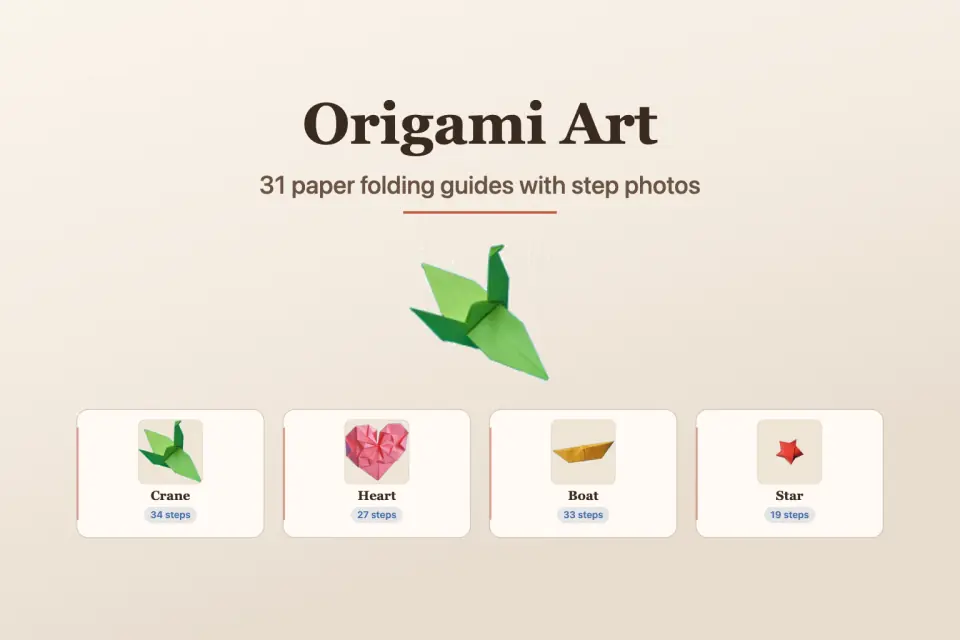
Origami Art Studio is a calm, beautifully simple companion for learning the ancient craft of paper folding. Browse a growing catalog of 30+ models — from a classic paper crane, heart, and boat to more ambitious stars, dragons, and dragonflies — and follow a clear, photographed guide through every single fold. There is no clutter, no timer, and no pressure: just you, a square of paper, and one gentle step at a time.
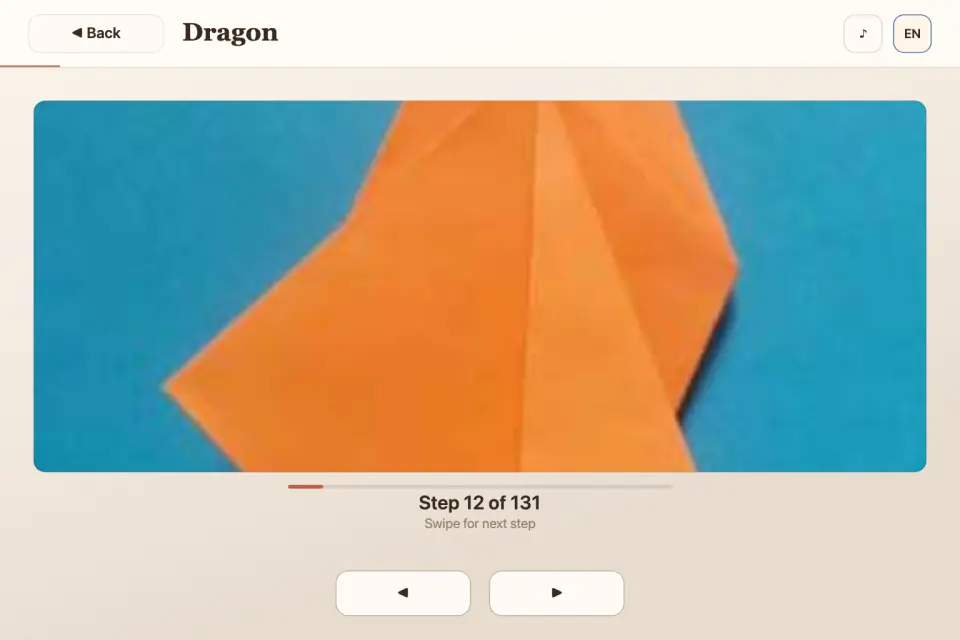
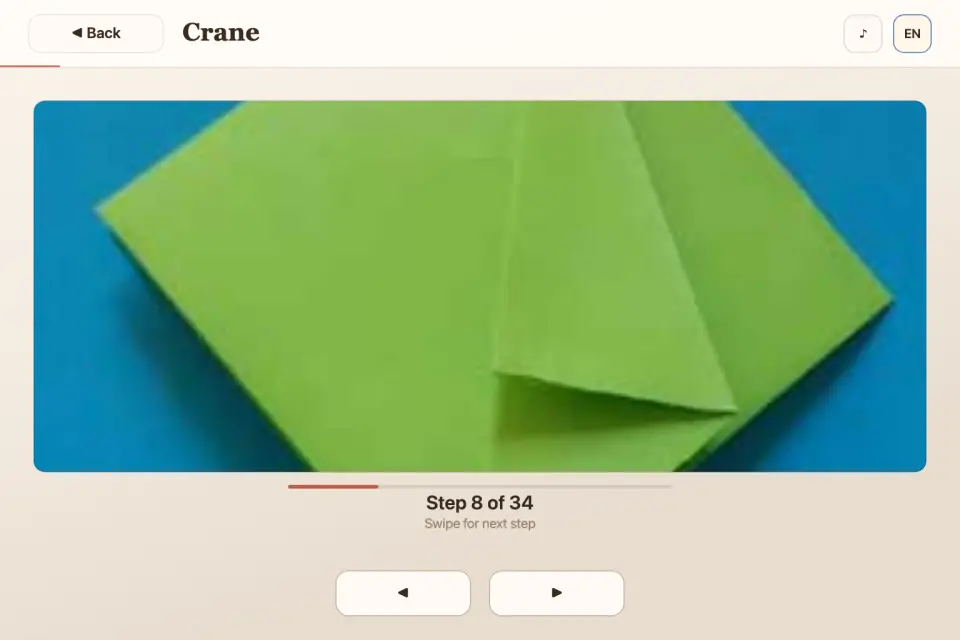
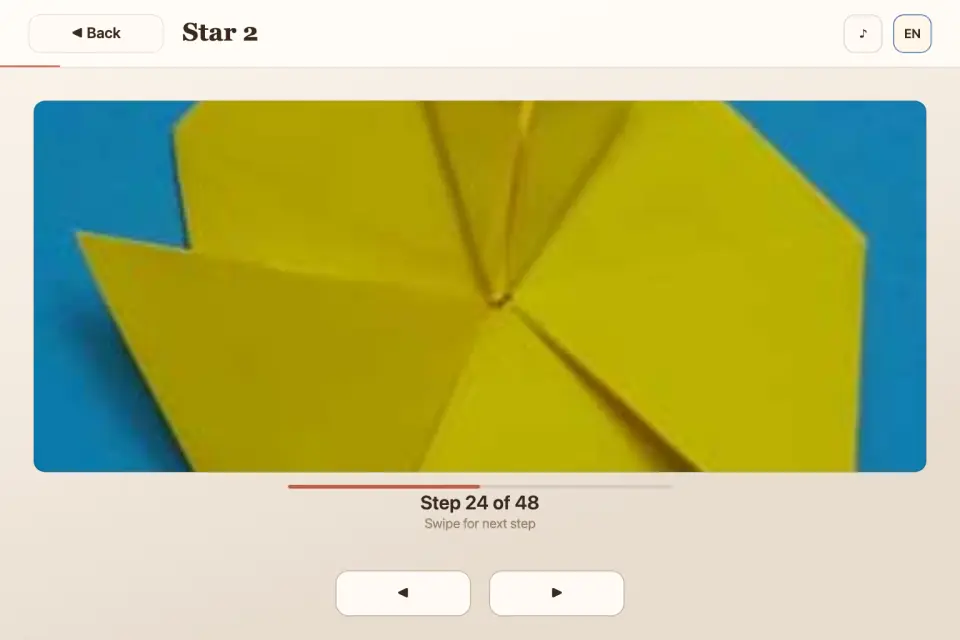
Every model opens into a fullscreen step viewer. Each step is shown as a real photo, so you can see exactly where the paper bends, which corner meets which edge, and how the shape slowly comes to life in your hands. A progress bar and a clear "Step X of Y" label always tell you how far along you are, so it is easy to pause, set the device down to make a fold, and pick up right where you left off.
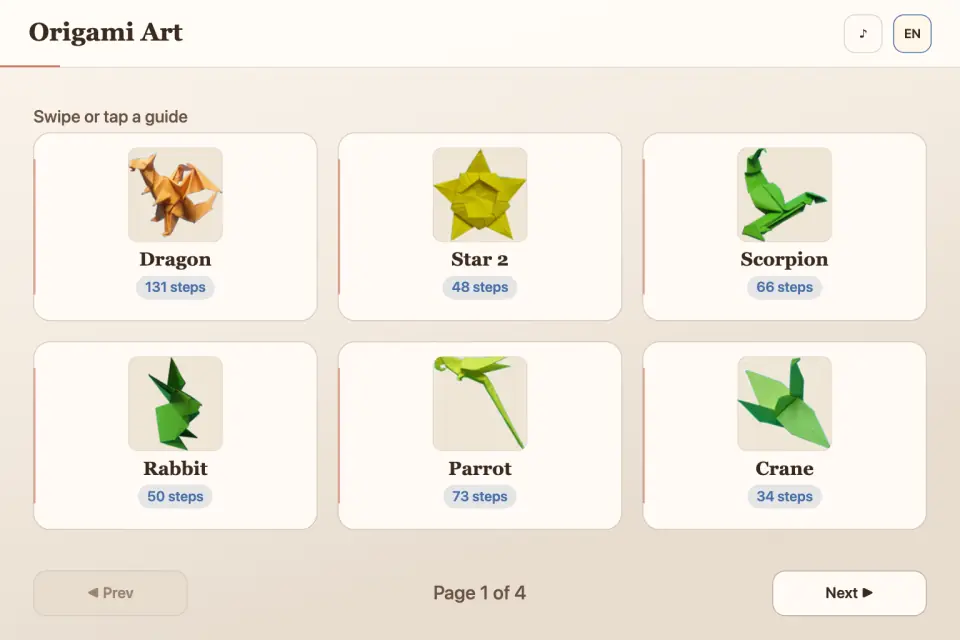
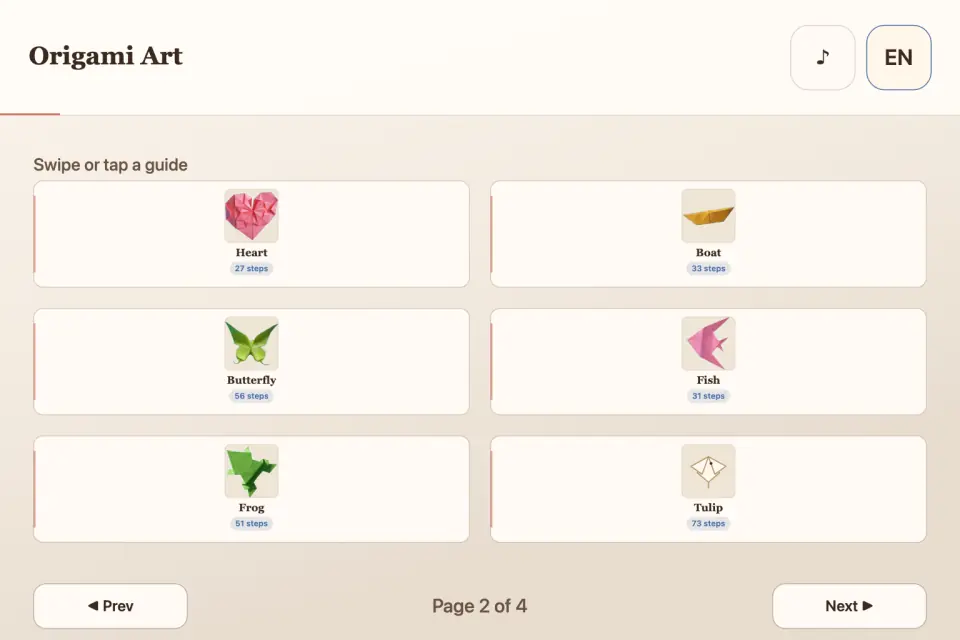
Moving through a guide feels natural. Swipe left or right to go forward and back, tap the on-screen arrows, or use the keyboard arrow keys on iPad and Mac. When you reach the final step a friendly "Done" button brings you home to choose your next project. The home screen is a tidy, paginated catalog with thumbnail previews and a step count on every card, so you always know how involved a model will be before you begin.
Origami Art Studio is built to feel good on any device. The washi-paper interface — soft cream tones, warm ink lettering, and a single terracotta accent — was designed to be quiet and relaxing rather than loud and gamified. The responsive layout automatically shows one, two, three, or four columns depending on your screen, filling iPhone and iPad edge to edge without awkward borders. Gentle tap sounds give the pages a paper-like feel, and a single tap on the sound icon mutes them whenever you want silence.
The whole app speaks your language. A built-in language menu offers eight fully translated interfaces — English, Vietnamese, Traditional Chinese, Simplified Chinese, Japanese, Spanish, Hindi, and French — so menus, buttons, and labels always feel like home. Switching is instant and remembered for next time.
Whether you are folding with a child on a rainy afternoon, calming your mind after a long day, or picking up a mindful new hobby, Origami Art Studio keeps everything you need in one uncluttered place. Start with a simple crane today, then work your way up to a many-step dragon when you are ready. Grab a square of paper and begin folding.
Origami Art Studio never asks you to rush. There are no lives to lose, no daily streaks to maintain, and no ad ever interrupts a delicate fold mid-crease — an occasional short ad appears only when you open a new guide. Sit with one photograph as long as you need, then glide to the next when your hands are ready. The catalog grows with classic and creative shapes, so there is always a new project waiting — whether you have five minutes for a heart or a quiet evening for a many-step dragon.
Highlights you will notice right away:
• 30+ origami models with a clear photo for every fold
• Fullscreen step viewer with progress and Step X of Y
• Swipe, tap, or keyboard navigation on every device
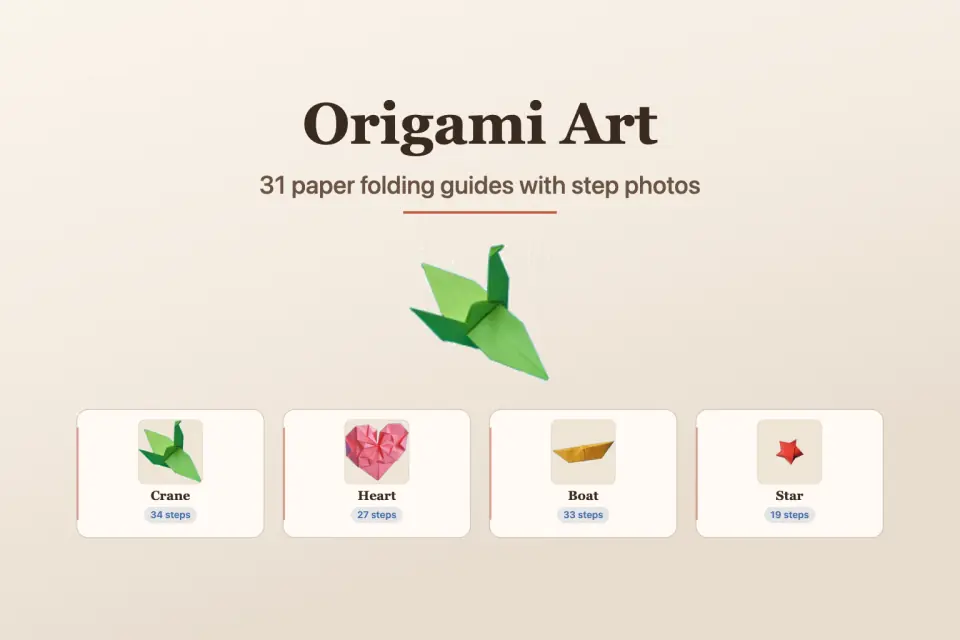
• Paginated catalog with thumbnails and step counts
• Calm washi-paper design that fills the screen
• Eight fully translated languages
• Optional tap sounds with a one-tap mute
Fold slowly. Fold carefully. Fold for the joy of watching flat paper become something alive.
Features
- 31 origami models with photographed fold steps
- Fullscreen step viewer with progress bar and Step X of Y
- Swipe, tap, or keyboard navigation
- Paginated catalog with thumbnails and step-count badges
- Washi-paper UI for phones, tablets, and desktops
- Optional tap sounds with one-tap mute
- Eight languages
- Offline catalog — no account required
Tips
- Check the step count on each card to pick a model that fits your time — a heart is quick, a dragon takes many steps.
- Put the device down while you fold; the “Step X of Y” label and progress bar show where you left off.
- New to origami? Start with the crane, heart or boat before the bigger models.
What's new
Origami Art is back as Origami Art Studio — a complete rebuild of the app, made from scratch for today's iPhone and iPad. • 31 origami models, from a classic crane, heart, and boat to a dragon, scorpion, and F-15 jet, each with a real photo for every fold. • A new fullscreen step viewer with a progress bar and a clear Step X of Y label. • Swipe, tap the arrows, or use keyboard arrow keys on iPad. • A calm washi-paper design that fills every iPhone and iPad screen edge to edge. • Eight fully translated languages: English, Vietnamese, Traditional and Simplified Chinese, Japanese, Spanish, Hindi, and French. • Gentle paper-like tap sounds with a one-tap mute. • An App Clip, so friends can try a guide instantly from a link. • A short ad may appear when you open a new guide — never in the middle of a fold. • A small banner ad now appears only at the bottom of the model catalog — never on the folding steps, so every photo stays fully visible. Thank you for folding with us all these years. Grab a square of paper and enjoy the new studio!
Questions and answers
How many models are there?
31, from a crane, heart and boat to a dragon, scorpion and F-15 jet, with a photo for every fold.
Will an ad interrupt a fold?
No. A short ad may appear when you open a new guide and a small banner sits at the bottom of the catalog, but never on the folding steps.
Screenshots
Ratings and comments
Leaderboard
Scores come straight from the game. Nicknames are chosen by players.
Play on webFrom the blog
· News
Which Tyttoot games are on iPhone, iPad and Mac
Four of our games are live on the App Store, and two of them also run on Mac. The list, what each one is, and where to find the right store button.
· News
Origami Art: learn paper folding one photo at a time
A quiet origami guide with a real photo for every fold, from a simple crane to a dragon. How the step viewer works and how to get clean, sharp results.