Can You Spot
Find the odd tile on the tray
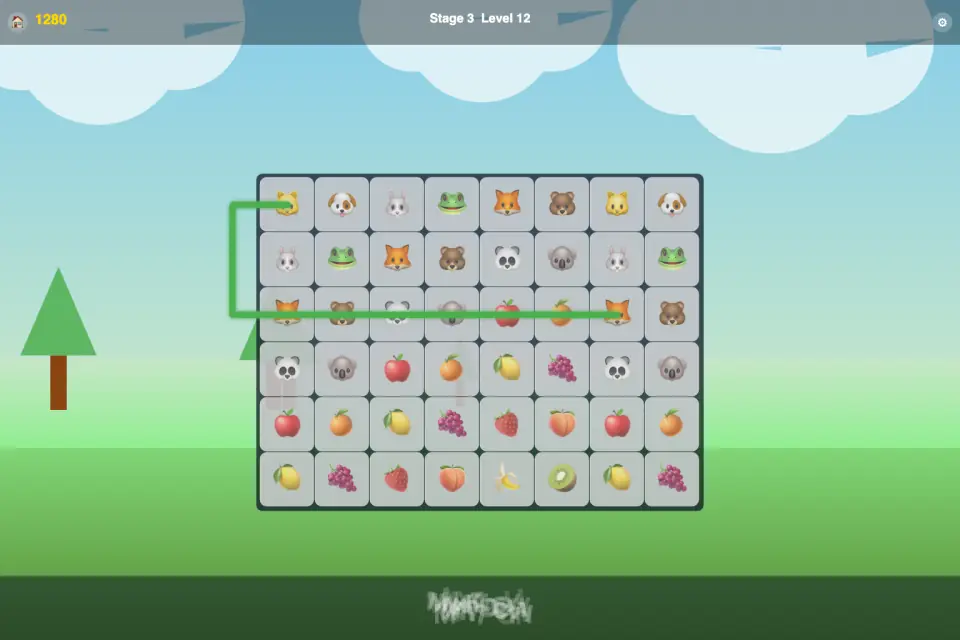
Odd-one-out reflex in Eye Lab — tap the different tile on a growing grid. Four modes (Classic Climb, Speed Spot, Shade Lab, Zen Spot), sixty-six glyph pairs, RGB shade rounds, and eight languages.
Can You Spot is an odd-one-out reflex puzzle set in Eye Lab, a violet workbench under a warm spotlight. You sit at the lab tray, watch a grid of glowing tiles, and tap the one cell that does not belong before the round clock runs out.
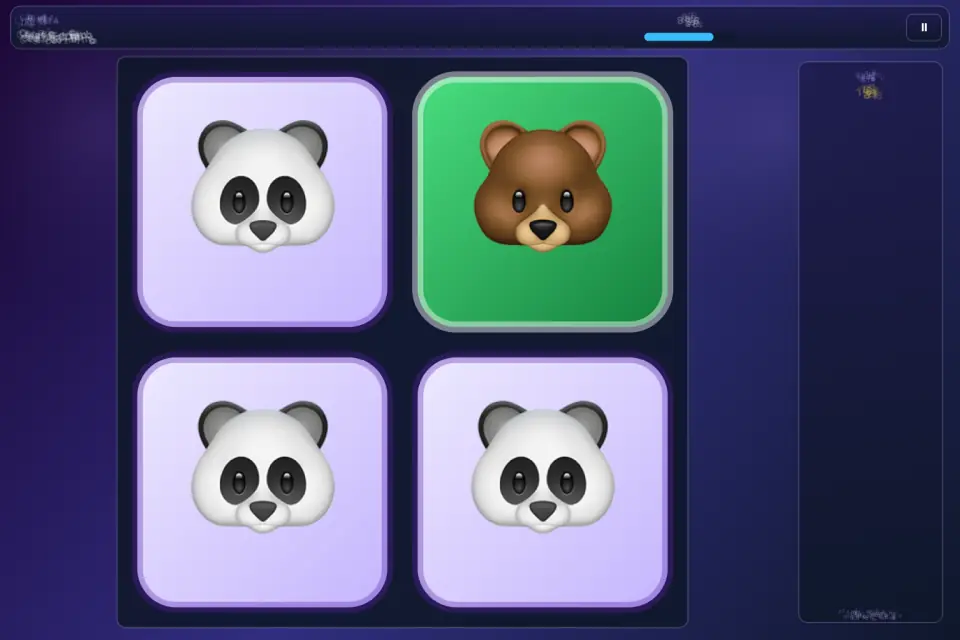
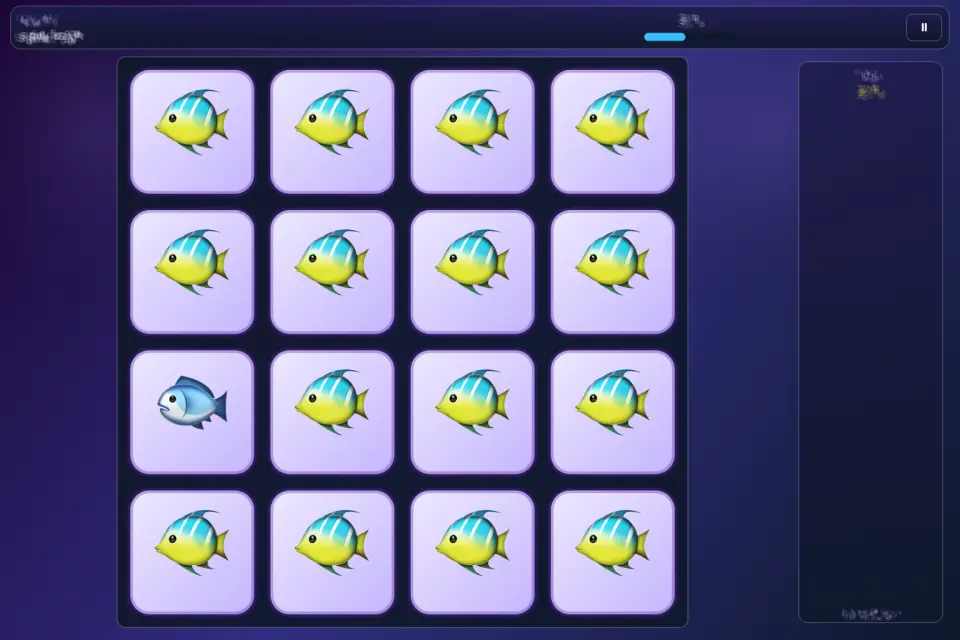
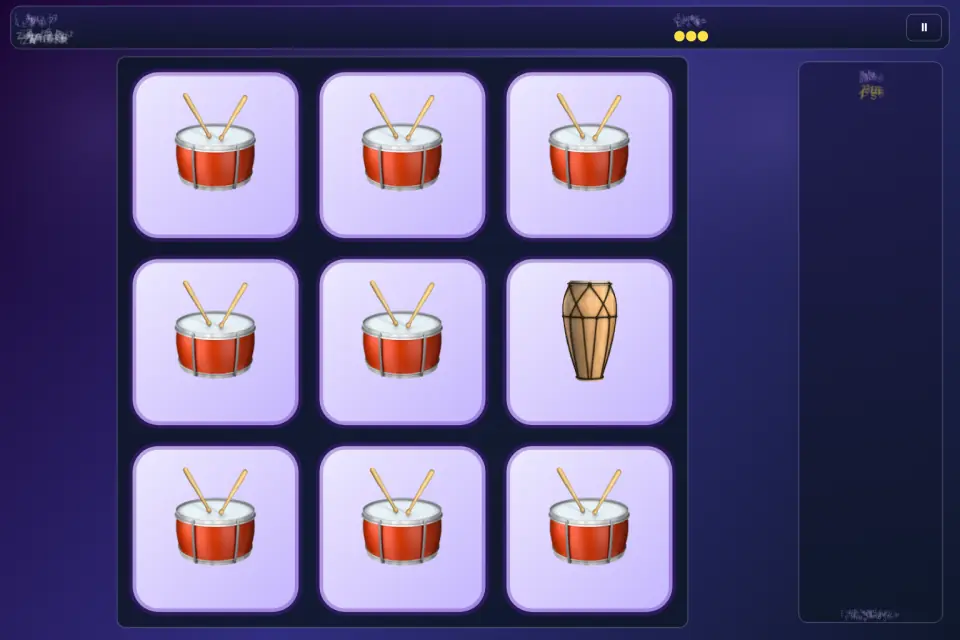
Every round hides a single outlier in a grid that grows as you climb. Classic Climb begins with glyph pairs — two marks that look alike until you really look — then switches to RGB shade tiles, where the odd cell differs only by a shrinking colour offset. A wrong tap ends the run. Letting the clock hit zero ends the run. Your score is the number of levels you cleared in that sitting, and each mode keeps its own personal record on the device.
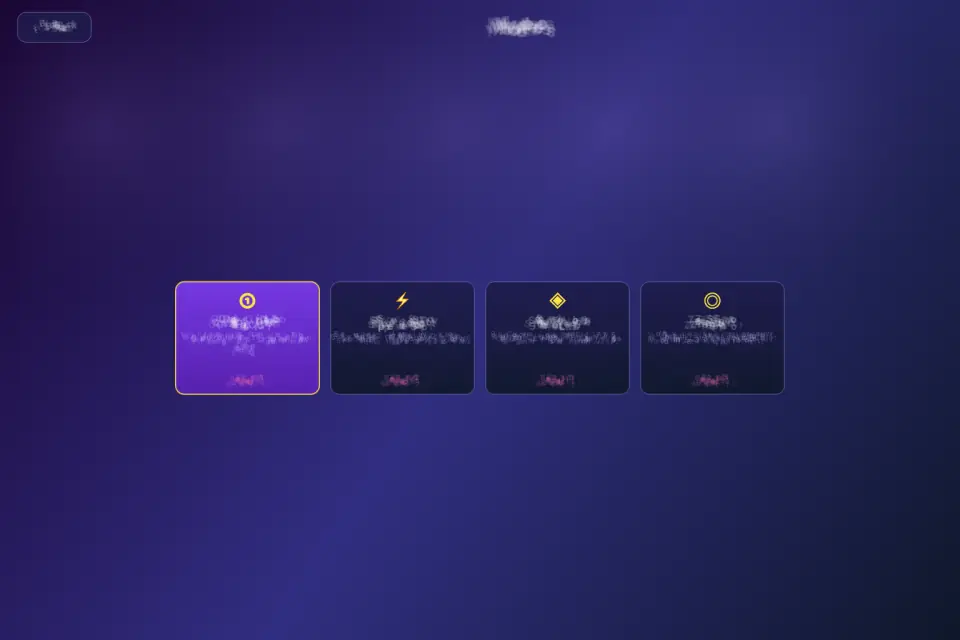
Four modes share the same tray and the same tap.
Classic Climb is the long ladder. Each round lasts ten seconds. The grid starts small and adds cells as the level rises. Glyph pairs fill the first fifty-two levels; from there the tray becomes a field of close RGB shades that get harder to separate every step.
Speed Spot is the sprint. Rounds last five seconds, content stays on glyphs, and each clear is worth double. You have almost no time to scan the whole tray, so you learn to hunt by silhouette instead of checking every cell.
Shade Lab is RGB only. Rounds last seven and a half seconds. The grid grows more slowly than Classic, but there are no glyph pairs to lean on — only colour, light, and how well you can tell two close tones apart.
Zen Spot removes the clock. You get three lives instead. Content mixes glyphs with the occasional RGB round. A miss costs a life rather than the whole run, so you can study a hard tray without a bar draining in the corner.
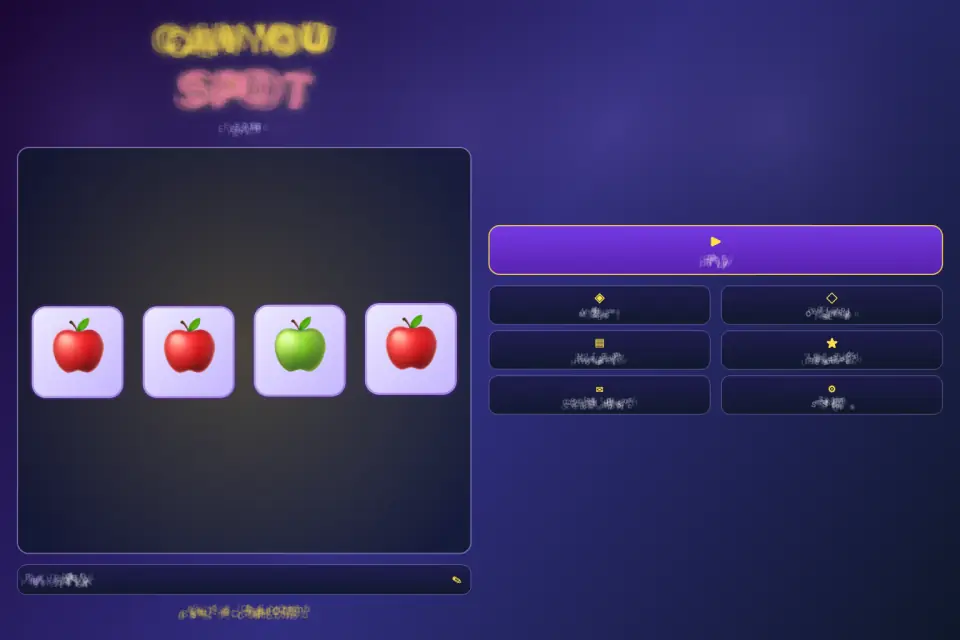
The home hub is the lab itself. A lit Play tray starts the last mode you used. Around it sit six plaques: Modes, Collection, How to play, Leaderboard, Contact support, and Settings. A name plate lets you label local scores. A gem language orb switches English, Vietnamese, Traditional Chinese, Simplified Chinese, Japanese, Spanish, Hindi, and French.
Collection unlocks glyph pairs the first time they appear in a generated level and keeps them across sessions, so the cabinet fills as you play. Sixty-six pairs live in the catalog. The leaderboard lists local scores and can filter by mode. Pause freezes a round behind a glass plaque with Resume and Home. Settings toggle sound effects, background music, and the music track, and reopen the language wheel.
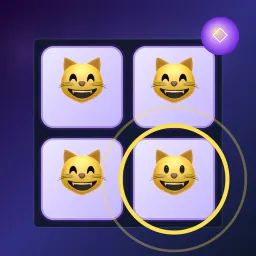
Help walks through the tray with a tiny demo grid: tap the different tile, Classic grows and punishes misses, Speed is five-second glyphs, Shade is RGB only, Zen uses three lives. The canvas fills the whole viewport in portrait and landscape. On a phone the tray stacks under the HUD; on a wide window the board sits beside a side plaque that shows your mode record.
Play works without an account. Personal records, unlocked pairs, the player name, and settings stay on the device. The in-app contact form needs a network connection because it sends a message to the Tyttoot support inbox.
Tips: in Classic, trust the first cell that feels off rather than circling the tray twice. In Speed, look at silhouettes, not details. In Shade, compare neighbours instead of staring at one tile. In Zen, spend lives on RGB rounds and keep glyph rounds for recovery. The outlier is always exactly one cell.
Can You Spot is built for short sessions and for the stubborn climb when you want just one more round on the tray.
Features
- Eye Lab hub — play from the lit tray with modes, collection, and lab plaques
- Four modes: Classic Climb, Speed Spot, Shade Lab, and Zen Spot
- Sixty-six glyph pairs plus RGB shade rounds as the grid grows
- Classic 10s rounds; Speed 5s; Shade 7.5s; Zen uses three lives
- Unlocked pair collection, per-mode records, and a local leaderboard
- Eight languages via the gem language orb
Tips
- Zen Spot is the place to learn RGB rounds: a miss costs one of three lives, not the whole run.
- Speed Spot clears are worth double, so it is the quickest way to a big score if your eyes are sharp.
- The lit Play tray starts the last mode you used — check which one before you begin.
What's new
Can You Spot 2.0 is a full rebuild of the game. • New Eye Lab look: a violet workbench, glowing tile trays and a warm spotlight on every screen. • Four modes: Classic Climb (10-second rounds, glyphs then RGB shades), Speed Spot (5-second glyph sprints worth double), Shade Lab (colour only) and Zen Spot (no clock, three lives). • Collection cabinet: 66 glyph pairs unlock as you meet them and stay saved on your device. • Local leaderboard with a mode filter, a name plate for your scores, and a pause plaque with Resume and Home. • Eight languages: English, Vietnamese, Traditional and Simplified Chinese, Japanese, Spanish, Hindi and French. • Try it instantly with the App Clip, and now also play on Mac. Thanks for playing — tap the odd tile and keep climbing!
Questions and answers
How does a run end?
In Classic Climb, Speed Spot and Shade Lab, one wrong tap or the clock reaching zero ends it. Zen Spot has no clock and gives you three lives.
What is the Collection?
A cabinet of 66 glyph pairs. Each unlocks the first time it appears in a level and stays saved.
Screenshots
Ratings and comments
Leaderboard
Scores come straight from the game. Nicknames are chosen by players.
Play on web