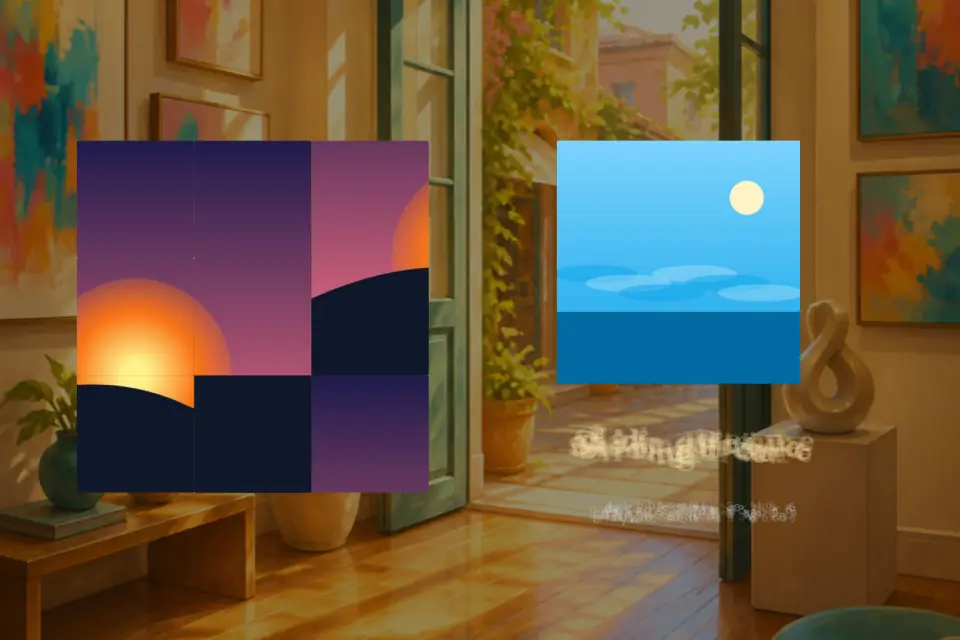
Sliding Picture
Slide tiles. Complete scenes.
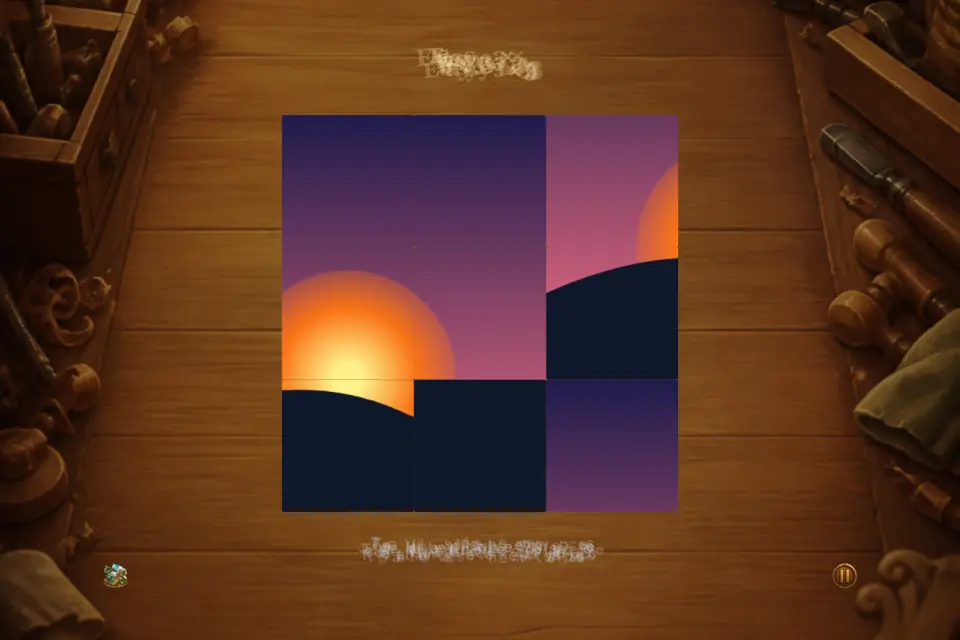
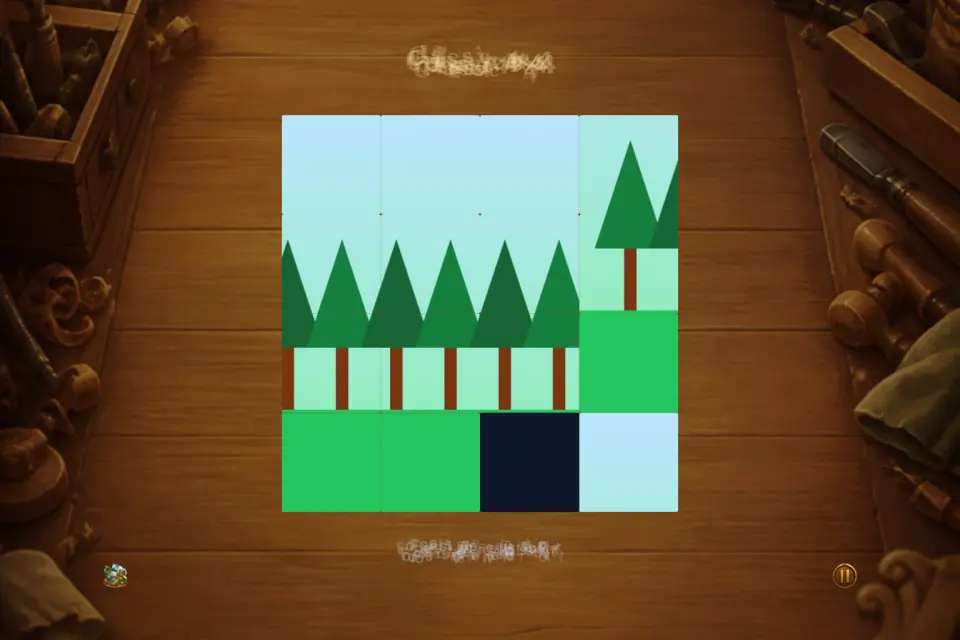
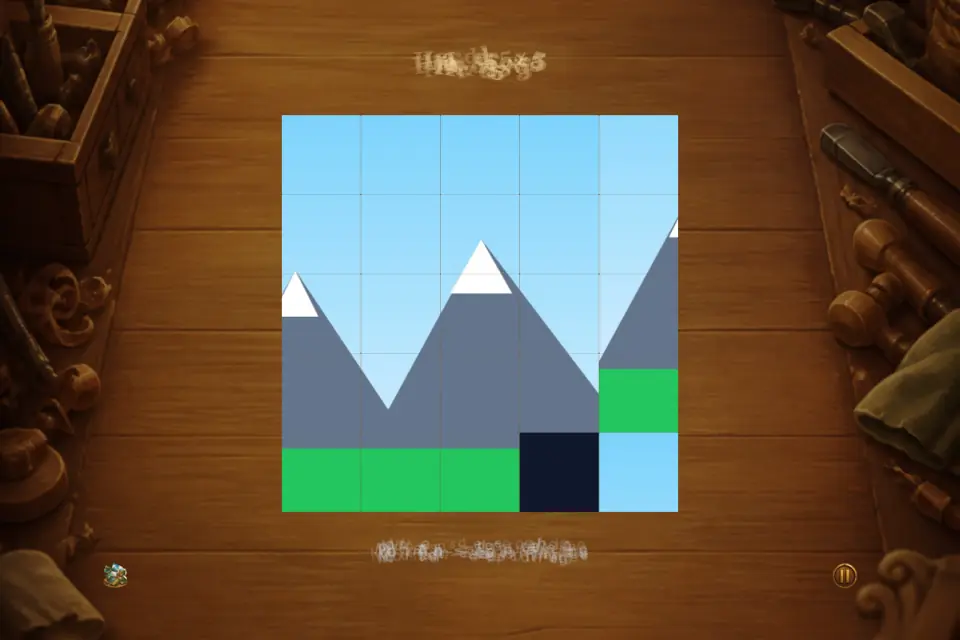
Sliding Picture is a Canvas 2D sliding-tile puzzle with a gallery-world hub: browse twelve scenic JPG themes, pick Easy 3×3, Classic 4×4, or Hard 5×5, then slide tiles into place with touch or keyboard arrows. Move counter, timer, and personal records track your progress across eight languages, and core play works offline once loaded.
103 plays · 58 views · last 12 months
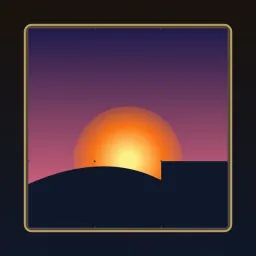
Sliding Picture is a classic sliding tile puzzle rebuilt for modern Canvas play. Each round shuffles a scenic photograph into square tiles with one empty space. Slide neighboring pieces into the gap and restore the full image tile by tile. Familiar fifteen-puzzle rules meet a gallery-world hub where splash, home, stages, play, help, settings, records, and contact feel like one picture hall.
YOUR GALLERY HUB
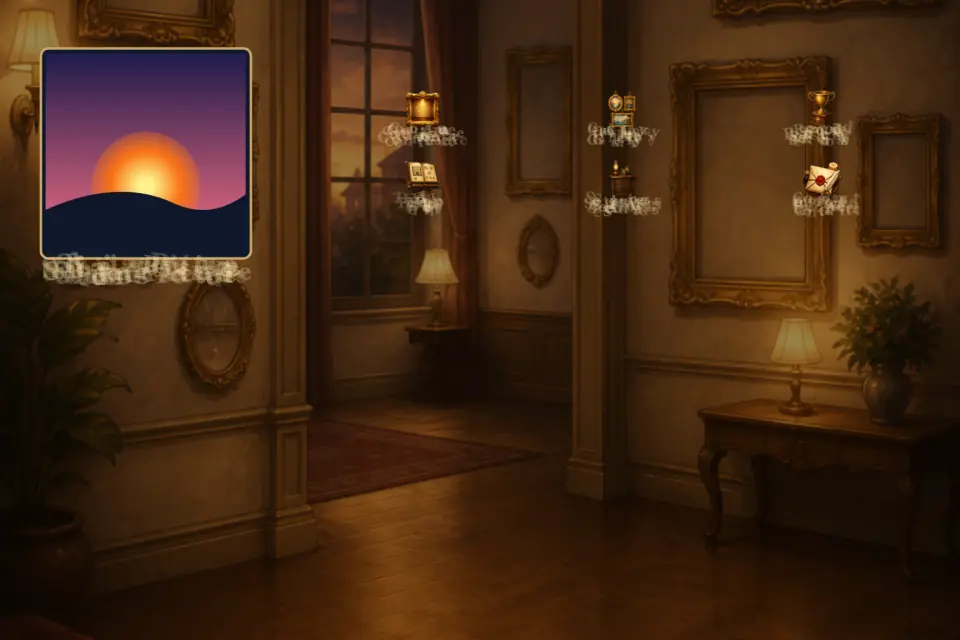
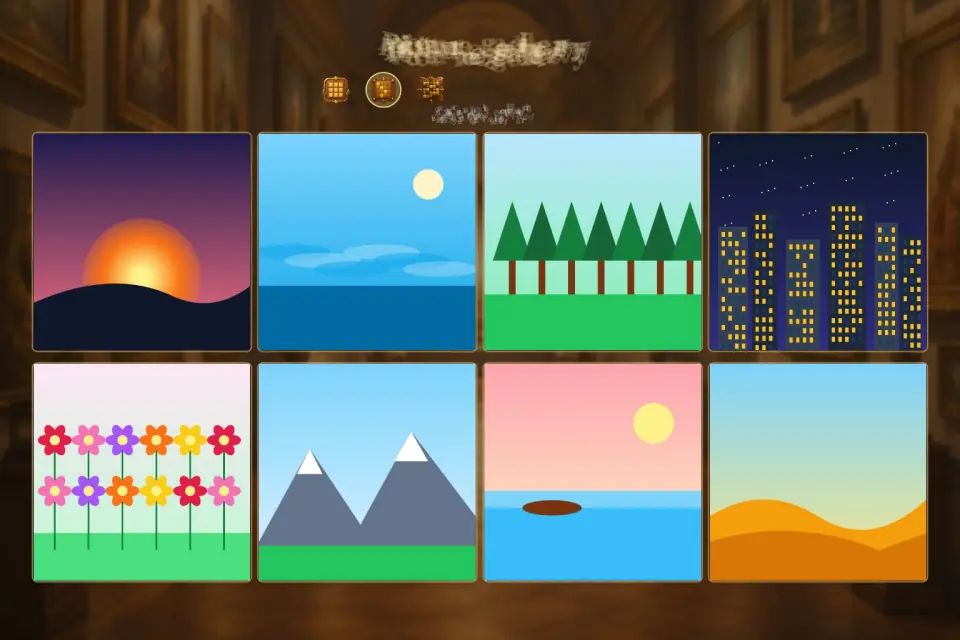
Home highlights a featured picture in a decorative frame with prop-style icons for navigation. The picture gallery lists every scenic theme so you browse stages before shuffling. Help explains controls in steps. Settings cover sound and language. Records show personal achievements on this device. Contact reaches project feedback through tyttoot.com when online.
TWELVE SCENIC PICTURES
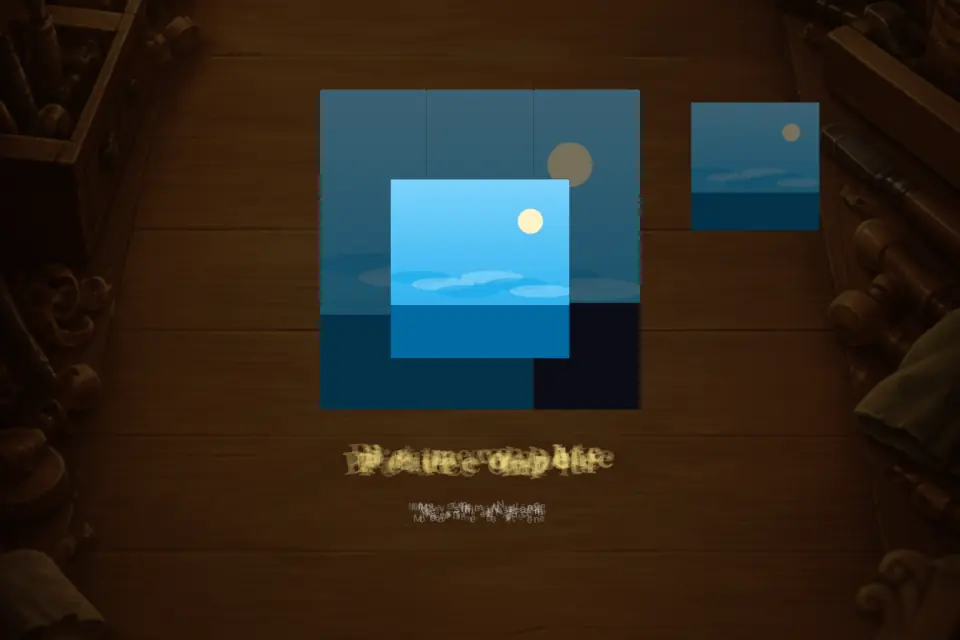
High-quality JPG scenes render through a sprite atlas on phones, tablets, and desktop browsers. Themes include sunset skies, ocean horizons, forest paths, city lights at night, flower fields, mountain ridges, dawn lake reflections, desert dunes, autumn hills, snow peaks, bamboo groves, and coral reef colors. Each picture is a distinct stage across grid sizes.
THREE GRID SIZES
Easy 3×3 warms up with fewer tiles. Classic 4×4 matches traditional fifteen-puzzle play with sixteen positions. Hard 5×5 expands the board for longer sessions. Pick a size, then choose any scenic image from the gallery.
SLIDING MECHANICS
Only tiles adjacent to the empty cell move. Tap on touch screens or use keyboard arrow keys on desktop. Corner numbers hint order from 1 through N. Every shuffle stays solvable. A move counter tracks slides; a timer runs during play. Win to shuffle again or advance to the next picture.
PERSONAL RECORDS
Finish puzzles to save personal records for moves and time locally. Lower move counts rank higher on the records board. Replay themes to improve your previous run. Enter a nickname for leaderboard-style display. Core progress persists between sessions without an account.
EIGHT LANGUAGES
English, Vietnamese, Traditional Chinese, Simplified Chinese, Japanese, Spanish, Hindi, and French are built in. Switch language in settings anytime. Menus, help, picture names, and labels update immediately for shared family devices.
CONTROLS AND ACCESSIBILITY
Responsive full-viewport Canvas adapts to portrait and landscape. Keyboard arrows mirror touch moves. Pause anytime. Toggle sound effects. Hit targets stay aligned with visible tiles across window sizes.
OFFLINE PLAY
Core gameplay works offline once assets load — ideal for travel or weak connectivity. Records and settings persist locally. Shuffling and solving never require a live server.
TIPS
Work from a corner using numbered hints before tackling the center. On 4×4 and 5×5, plan ahead to avoid trapping tiles. Learn on 3×3 before hard mode. Replay pictures to lower move counts and improve personal record times.
Sliding Picture delivers timeless sliding-tile logic, twelve scenic themes, flexible difficulty, multilingual support, and local record keeping in smooth Canvas 2D from splash to victory.
Features
- Classic 15-puzzle mechanics with JPG scenic tiles
- Twelve stylized scenic pictures (sprite atlas crop)
- Gallery hub: splash, home, stages, help, settings, records, contact
- Three grid sizes: 3×3, 4×4, and 5×5
- Move counter, timer, and best-record tracking
- Eight languages with in-app language picker
- Keyboard arrows and touch sliding
Tips
- Finish the top row, then the left column — what remains is a smaller puzzle of the same kind.
- Where the picture is all sky or sea, rely on the corner numbers: they show the right order even when tiles look alike.
- Records rank fewer moves higher, so on a replay think a few slides ahead rather than racing the timer.
What's new
1.0.25 regenerates every Sliding Picture store asset from the shipped gallery-hub Canvas. Slide neighboring tiles into the empty space on Easy 3×3, Classic 4×4, or Hard 5×5 boards with scenic photographs from sunset and ocean to mountains and coral reef. Home frames a featured picture with prop-style navigation for stages, play, help, settings, records, and contact.
Questions and answers
Is every puzzle solvable?
Yes. Every shuffle is generated so it can always be solved.
Which board sizes are there?
Easy 3×3, Classic 4×4 (the traditional fifteen-puzzle) and Hard 5×5, with twelve scenic pictures to choose from.
Can I use a keyboard?
Yes. The arrow keys move tiles exactly like taps do.
Screenshots
Videos
Ratings and comments
Leaderboard
Scores come straight from the game. Nicknames are chosen by players.
Play on webFrom the blog
You may also like
 Touch Matching
Connect pairs · 4,500 levels
1.2K plays · 263 views
 Crystal Jewels
Match gems in the vault
844 plays · 149 views
 Can You Spot
Find the odd tile on the tray
208 plays · 695 views
 Brick Blitz
Linked glass bricks in a night gallery
166 plays · 587 views
 Onet Pets
Garden pet Onet—match pairs before time runs out
231 plays · 359 views
 Star Gate Maze
Grab every star, open the gate
83 plays · 377 views