Count Anything
Count objects in photos — your way
Count Anything is an on-device photo counting utility with six modes (tap, similar, detect, grains, coins, crowd), camera/gallery/sample sources, editable markers, local history, satisfaction feedback, and eight languages. Automatic results are estimates — always review before trusting a total. Photos stay on your device.
30 plays · 72 views · last 12 months
Count Anything is a calm on-device counting lab for everyday photos. Choose a mode that fits the scene, mark what matters, review every suggestion by hand, and keep a private history on your phone, tablet, or browser. Photos are processed locally for counting — they are not uploaded to finish a tally.
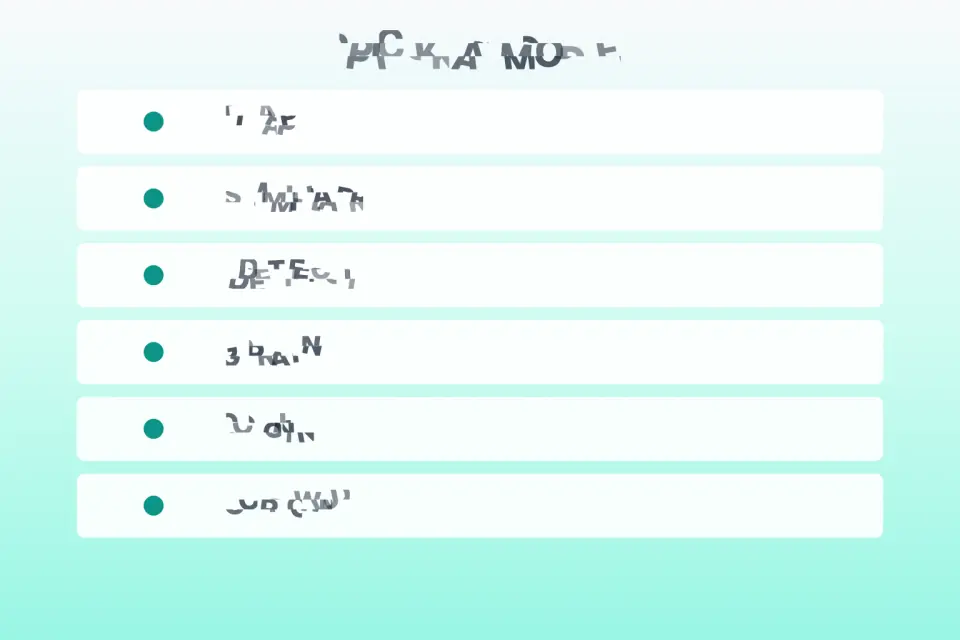
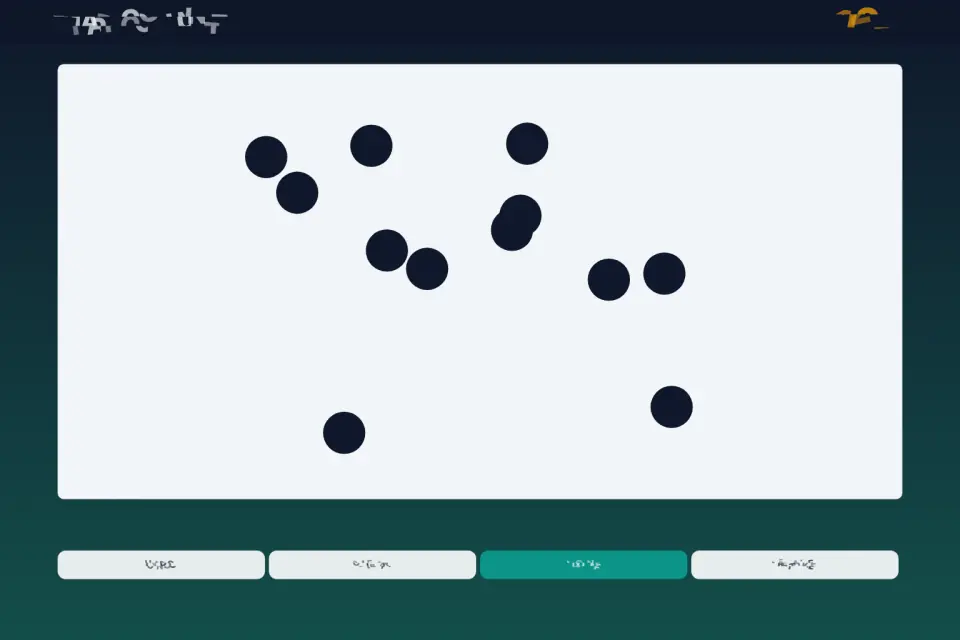
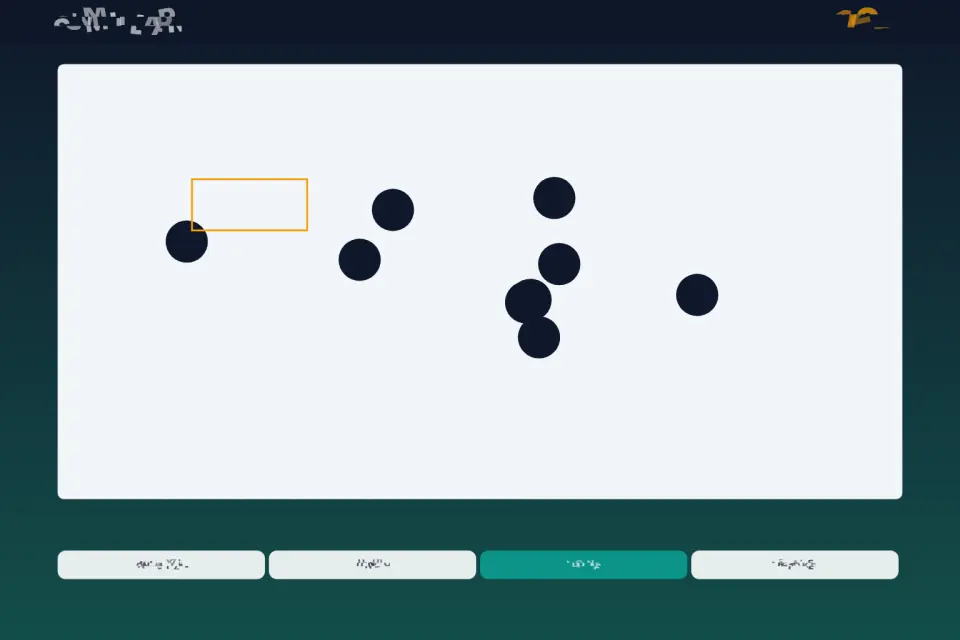
Six live modes ship in one toolbox. Tap count lets you touch each object yourself and grow an accurate total marker by marker. Similar count asks you to frame or tap a sample patch, then suggests matching regions you can accept, reject, or refine. Smart detect offers a fast estimate for common scene types when you need a starting point. Grains / dots targets speckles and small blobs on relatively clean backgrounds. Coins / discs favors round shapes and circular blobs. Crowd / trees far helps with denser distant groups. Automatic modes are estimates — never claim perfect accuracy; always review markers before trusting a total.
Bring images from the camera, your gallery, or a built-in sample photo for a quick tour without hunting for a test shot. After capture or pick, the workspace draws your photo across the safe viewport with pan and zoom when needed. The HUD shows the active mode, the live count, Undo, Clear, and Done. Add markers with precise taps, remove mistakes, clear everything, and finish when the overlay matches what you see.
Every automatic result stays editable. Suggested markers are a draft, not a verdict. Undo steps back, Clear resets the overlay, and fresh taps place new markers exactly where you need them. When you confirm Done, a result summary shows the final count and mode so you can save the session, return to edit, or head home.
History stays on the device. Reopen past sessions to recall counts and context without an account. Optionally rate how satisfied you were with a session — at most once per day — so product feedback stays light. Soft ambient music and short sound cues unlock only after you tap Start; Music and Sound toggles live in Settings with eight interface languages: English, Vietnamese, Traditional Chinese, Simplified Chinese, Japanese, Spanish, Hindi, and French.
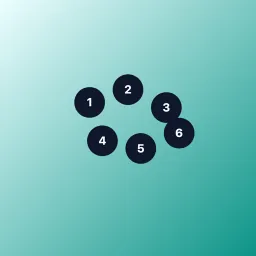
The visual mood is a teal paper lab — soft gradients, gentle orbs, and a dotted grid — not an arcade game. Primary actions stay large enough for thumbs; layout fills phones, tablets, and desktop windows in portrait or landscape without letterbox bars or a rotate-device gate.
Honest utility copy matters. Count Anything helps you tally dots, discs, people in a shot, grains on a tray, or anything you can mark by hand. Similar, detect, and presets accelerate hard scenes, but you remain the final editor. Use sample photos to learn the flow offline. Privacy-minded design keeps counting photos and markers under your control on the same device profile you used to create them. Offline-first browsing of history continues when the network is weak; only optional contact send and remote ads config need connectivity.
Tips: crop attention by zooming before you tap; prefer Tap for sparse scenes; try Similar when items look alike; use Grains or Coins on cleaner backgrounds; treat Crowd as a rough start for distant groups; always walk markers before saving. Help and Contact are available from Settings and Help routes when you need guidance or feedback.
Count Anything is built as a portable Canvas utility with camera, gallery, and sample sources, six modes, editable overlays, on-device history, a satisfaction prompt, and eight languages — a practical counting companion that never pretends automation is flawless.
Features
- Six counting modes including tap, similar, detect and presets
- Camera, gallery and sample photo sources
- Manual fix for every estimate
- On-device history and optional satisfaction ratings
- Eight interface languages
What's new
Version 1.0.0 introduces Count Anything — a teal paper counting lab for everyday photos. What is new in this first release: • Six live modes in one toolbox: Tap count, Similar match, Smart detect, Grains/dots, Coins/discs, and Crowd/trees far. • Image sources: live Camera, Gallery/Files, and built-in sample photos for a quick offline tour. • Workspace with pan/zoom, numbered or dotted markers, Undo, Clear, Done, and a clear result summary. • Every automatic suggestion stays editable so you remain the final editor — we do not claim 100% accuracy. • On-device history of past sessions without requiring an account. • Optional satisfaction rating at most once per day to keep feedback light. • Soft ambient music and short cues unlock only after Tap to Start; separate Music and Sound toggles. • Eight interface languages with layouts that reflow for longer translations. • Full-viewport Canvas on phones, tablets, and desktop windows — no letterbox or rotate-device gate. • Privacy: counting photos are processed on device and are not uploaded just to finish a tally. • Store gallery, icon, hero, and Play assets composed to match the shipped Canvas UI.