
Dead Pixel
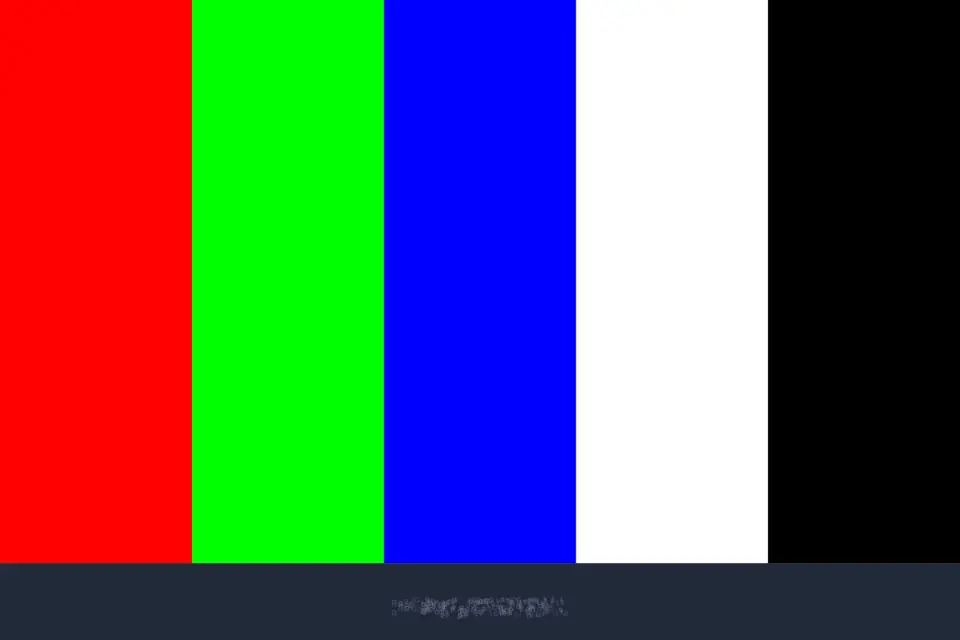
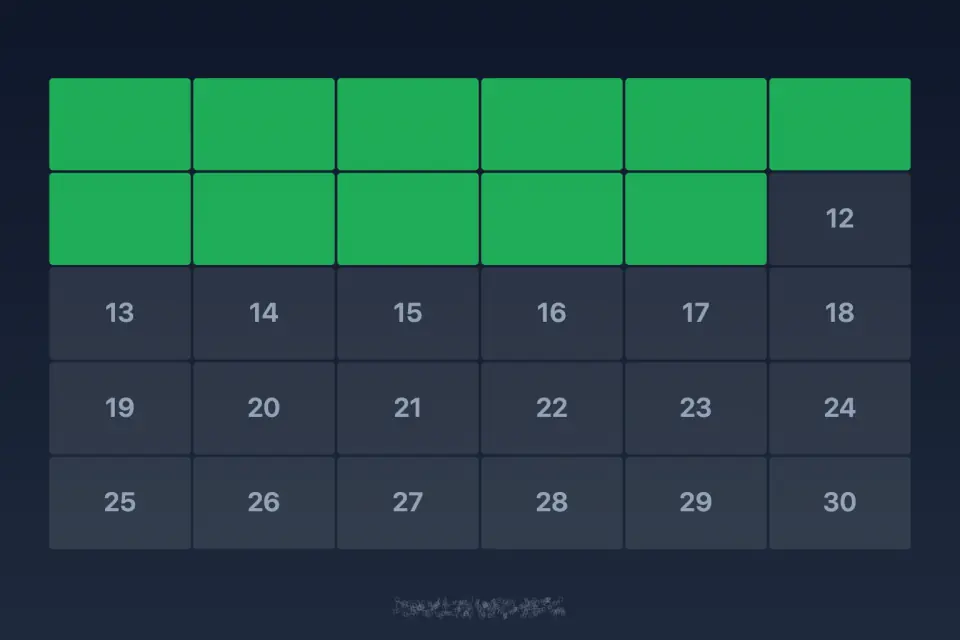
Dead Pixel is a screen-testing utility. Solid colour fills, RGB bars, fine grids, checkerboard and gradient patterns help you spot dead or stuck pixels and colour banding, and a full-screen touch grid checks that every zone of a touchscreen responds.
18 plays · 3 views · last 12 months
Features
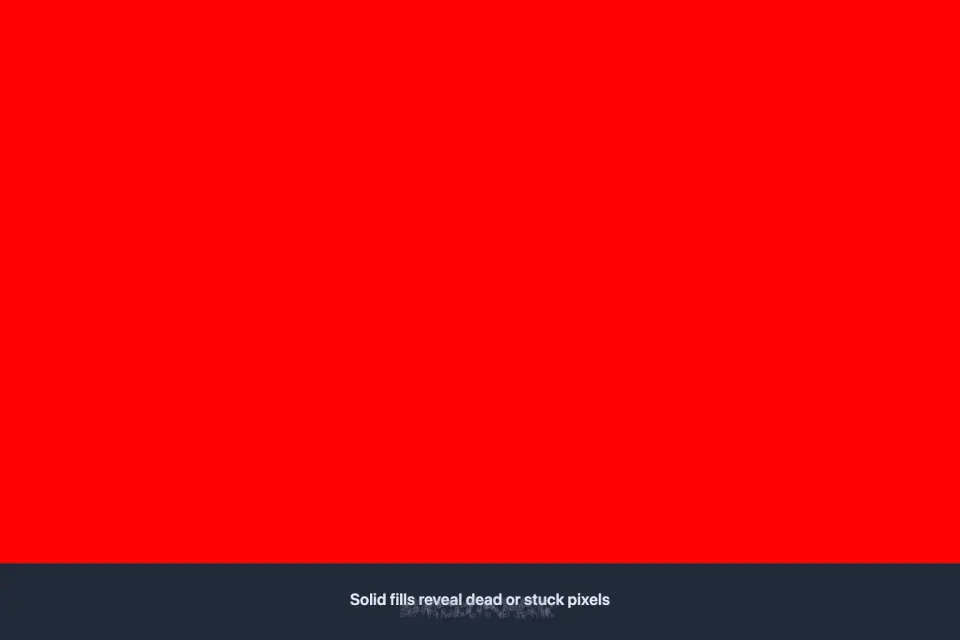
- Solid color fills reveal dead or stuck pixels
- RGB bars and fine grid pattern tests
- Checkerboard and gradient banding checks
- Full-screen touch grid verifies every zone
- Eight languages via gem language orb
Tips
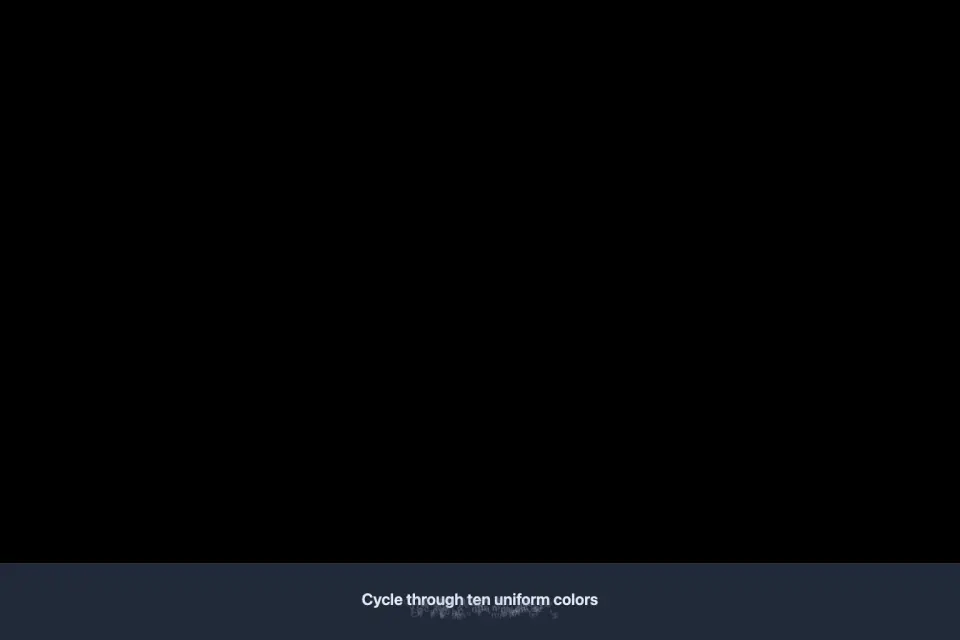
- Run every solid colour full screen: a dead pixel stays dark on all of them, while a stuck pixel shows one colour.
- Use the gradient test to look for banding — visible steps where the colour should change smoothly.
- For the touch grid, slowly cover every cell; any cell that does not respond marks a problem zone.
- Turn brightness up and clean the screen first so dust is not mistaken for a pixel defect.
Questions and answers
Can Dead Pixel repair a dead pixel?
No. It is a testing tool: it shows patterns that make defects easy to see, so you can check a screen, for example before buying or shipping a device.
What tests are included?
Solid colour fills, RGB bars, a fine grid, checkerboard and gradient banding checks, and a full-screen touch grid.
Which languages does it support?
Eight languages, chosen from the language orb.
Screenshots


Ratings and comments
Loading…