PaperBook
Theme-first paper notebook with templates
PaperBook is a personal writing notebook shaped like quiet paper, not a busy productivity suite. You choose a theme before you write, pick a template designed for that theme, and then settle onto a calm page with wide margins, soft cream tones, and serif titles. The goal is focus and warmth — the feeling of opening a leather shelf in a private library — not racing through databases, wikis, or endless toggles.
16 plays · 70 views · last 12 months
Theme-first by design. PaperBook organizes writing around six shelves: Journal, Ideas,
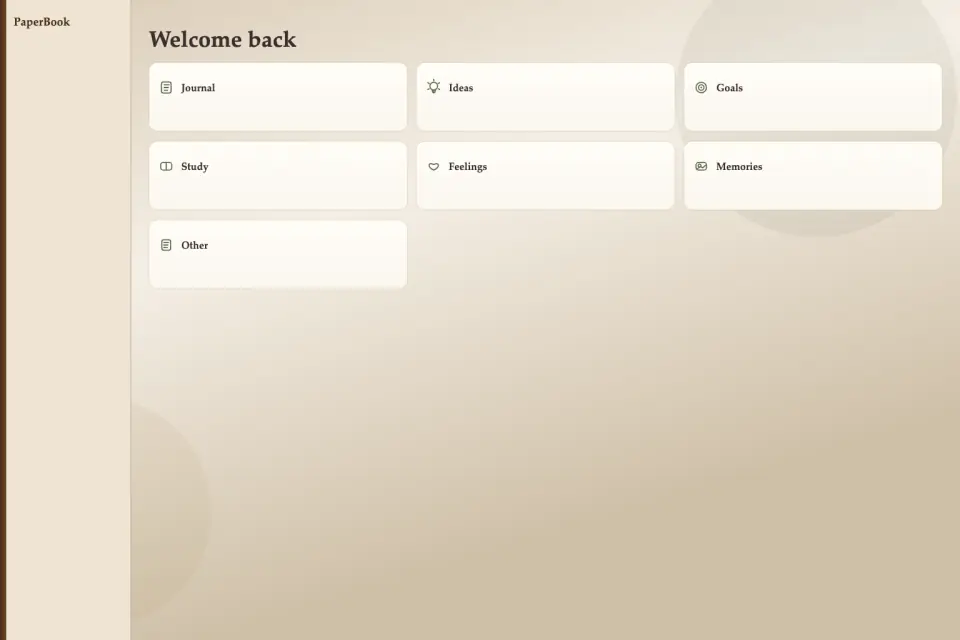
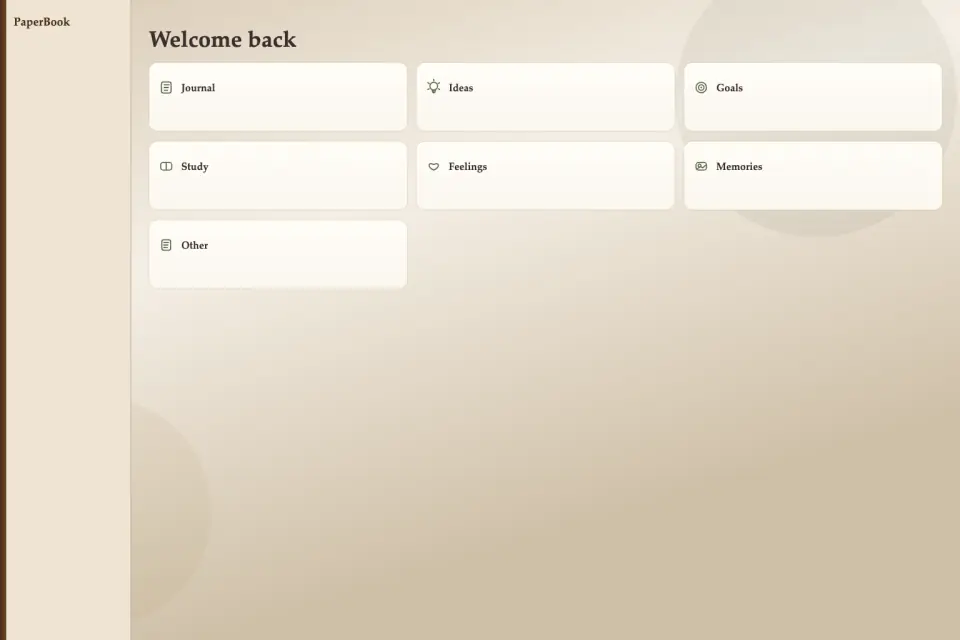
Theme-first by design. PaperBook organizes writing around six shelves: Journal, Ideas, Goals, Study, Feelings, and Memories. Home greets you with theme cards that show short descriptions and how many notes you already keep. From the sidebar you can jump straight to a theme, open Favorites, visit Trash, check Dashboard, or start a new note. New notes always ask for a theme first when you have not chosen one, so blank chaos never becomes the default.
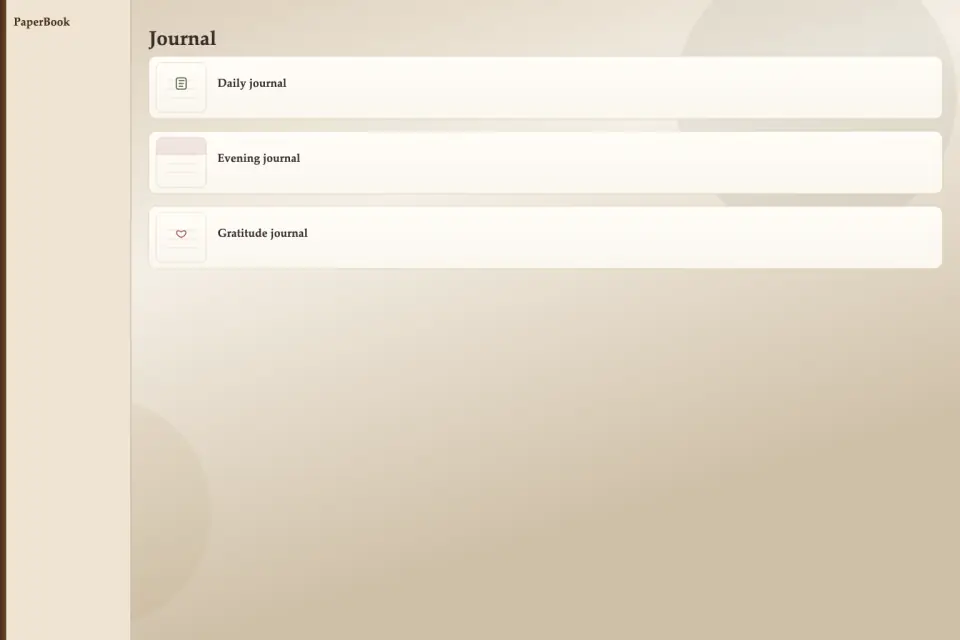
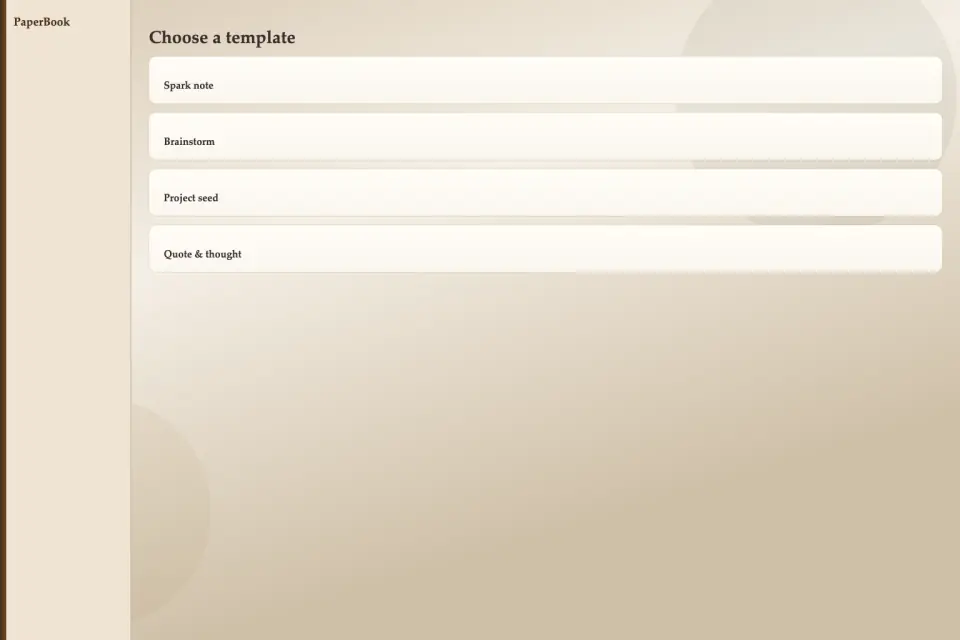
Templates with intention. Each theme carries its own shelf of templates. Journal includes daily pages, evening reflection, gratitude, weekly review, and travel notes. Ideas offers spark notes, brainstorm lists, project seeds, and quote pages. Goals covers daily focus, monthly aims, habit pages, and honest reviews. Study supports lecture notes, chapter summaries, flashcard drafts, and practice logs. Feelings includes mood check-ins, letters to self, worry dumps, and calm resets. Memories holds single moments, people pages, photo stories, and year bookmarks. Large template cards show a paper preview, a clear name, and a short description before you tap Use.
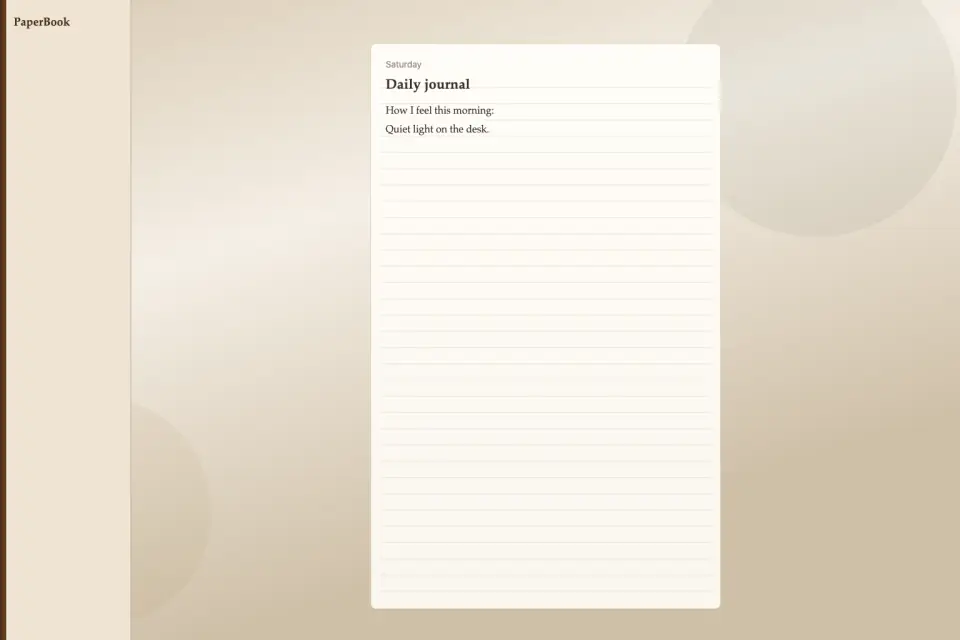
A paper editor that stays minimal. The writing surface looks like a real page with gentle ruled lines and the date in the header. The toolbar stays small on purpose: bold, italic, checklist, insert image, favorite, and move to trash. You can type through the mobile-friendly text bridge while the canvas keeps the notebook atmosphere. Images stay on the device with sensible size limits. There is no attempt to become Notion — fewer tools, more quiet.
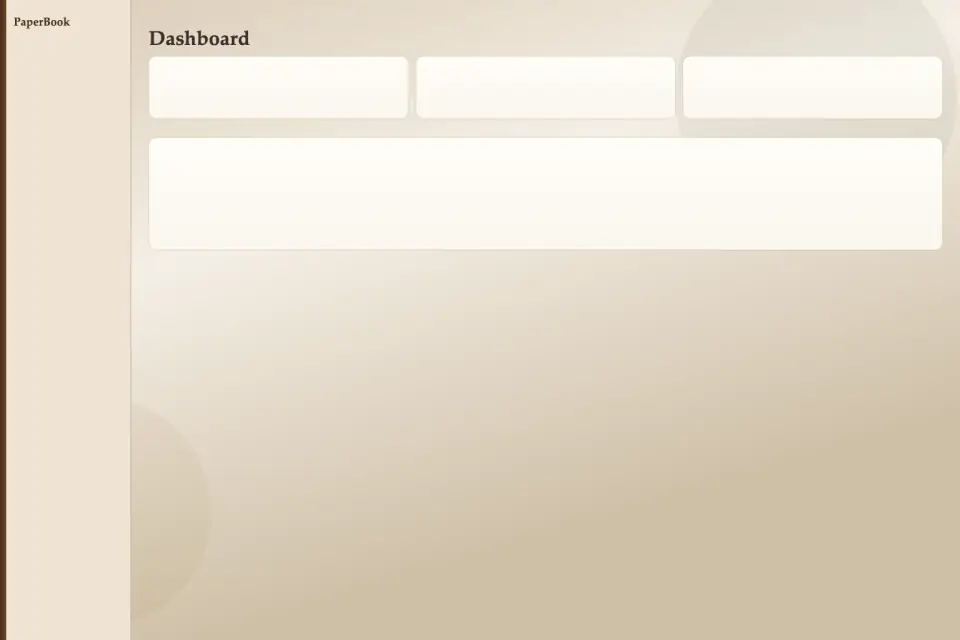
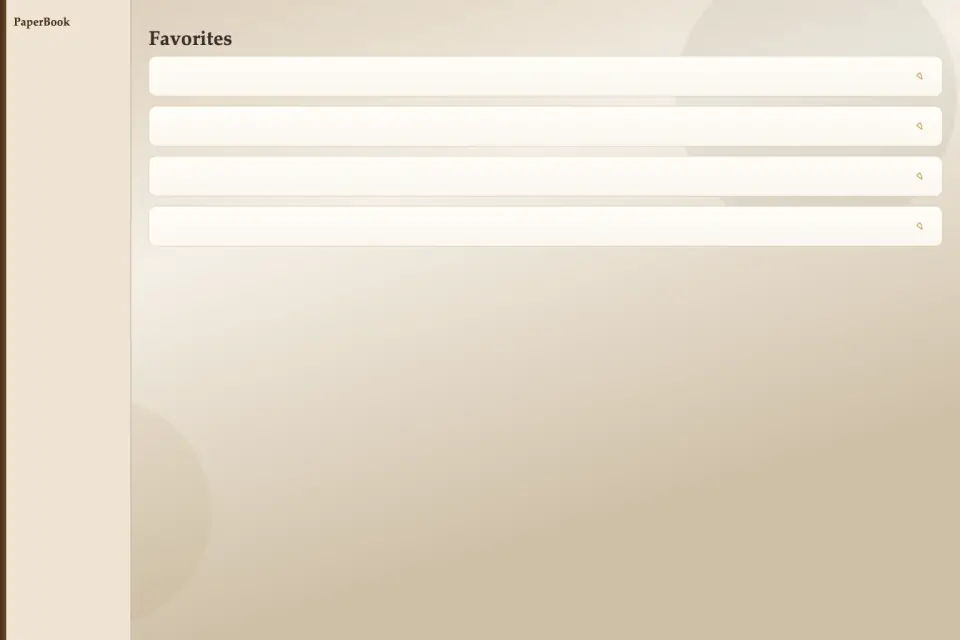
Favorites, trash, and a vintage dashboard. Star notes you want within reach. Soft-delete into Trash and restore when needed, or empty trash when you are ready. Dashboard shows total notes, writing streak across days, your most used theme, a simple vintage bar chart of notes by theme, and recent activity. Progress is personal, not a leaderboard of strangers.
Privacy and languages. Notes live in local storage on your device for this release — private, offline-friendly, and ready whenever you open the app. PaperBook includes eight languages with an in-app language menu so the shelf labels and guidance follow you. The visual language stays consistent: beige and cream paper, moss green accents, soft shadows, and rounded cards that feel like stationery rather than chrome.
Who it is for. PaperBook suits people who want a journaling and reflection space without the noise of team docs. Students can keep study templates beside gratitude pages. Travelers can leave footprints in a travel journal. Anyone rebuilding a daily writing habit can watch a streak grow without turning writing into a chore dashboard.
Open PaperBook when you want the room to go quiet. Choose a theme. Choose a template. Write on paper that remembers why you came. Take a breath, open the shelf again, and let the next page wait without pressure.
Features
- Theme-first writing: Journal, Ideas, Goals, Study, Feelings, Memories
- Dedicated templates for each theme — daily pages, gratitude, travel, and more
- Retro modern paper look with serif titles and soft cream tones
- Minimal editor: bold, italic, checklist, photos, favorites
- Favorites, trash, and a vintage dashboard with writing streak
- Notes stay on your device — private and offline-friendly
- Eight languages with in-app language switch
What's new
1.0.2 — PaperBook store listing refreshed for eight languages. Theme-first shelves (Journal, Ideas, Goals, Study, Feelings, Memories), dedicated templates, calm paper editor with bold/italic/checklist/photos/favorites, trash, streak dashboard, and local private notes. Screenshots and icon packs verified at phone 1080×1920. Choose a theme, pick a template, write on quiet paper. ard, and local private notes. Screenshots and icon packs verified at phone 1080×1920. Choose a theme, pick a template, write on quiet paper.